Working from home can give employees and freelancers more control over their schedules, surroundings, and daily routines. However, without the structure of an office, productivity can become harder to maintain. Distractions, unclear boundaries, and inconsistent habits may slowly reduce focus. A productive remote worker usually succeeds by creating structure, protecting attention, and treating the home workspace as a professional environment.
TLDR: Staying productive while working from home depends on having a clear routine, a dedicated workspace, and strong boundaries between work and personal life. Remote workers perform better when they plan each day, reduce distractions, take regular breaks, and communicate consistently with colleagues. Healthy habits, realistic goals, and a well-organized environment make long-term productivity easier to sustain.
- Creating a Dedicated Workspace
- Following a Consistent Daily Routine
- Planning the Day Before It Begins
- Using Time Blocks and Focus Sessions
- Reducing Distractions at Home
- Maintaining Clear Communication
- Taking Breaks Without Losing Momentum
- Protecting Work Life Balance
- Using Tools Without Becoming Dependent on Them
- Building Healthy Habits That Support Productivity
- Reviewing Progress and Adjusting Regularly
- Conclusion
- FAQ
Creating a Dedicated Workspace
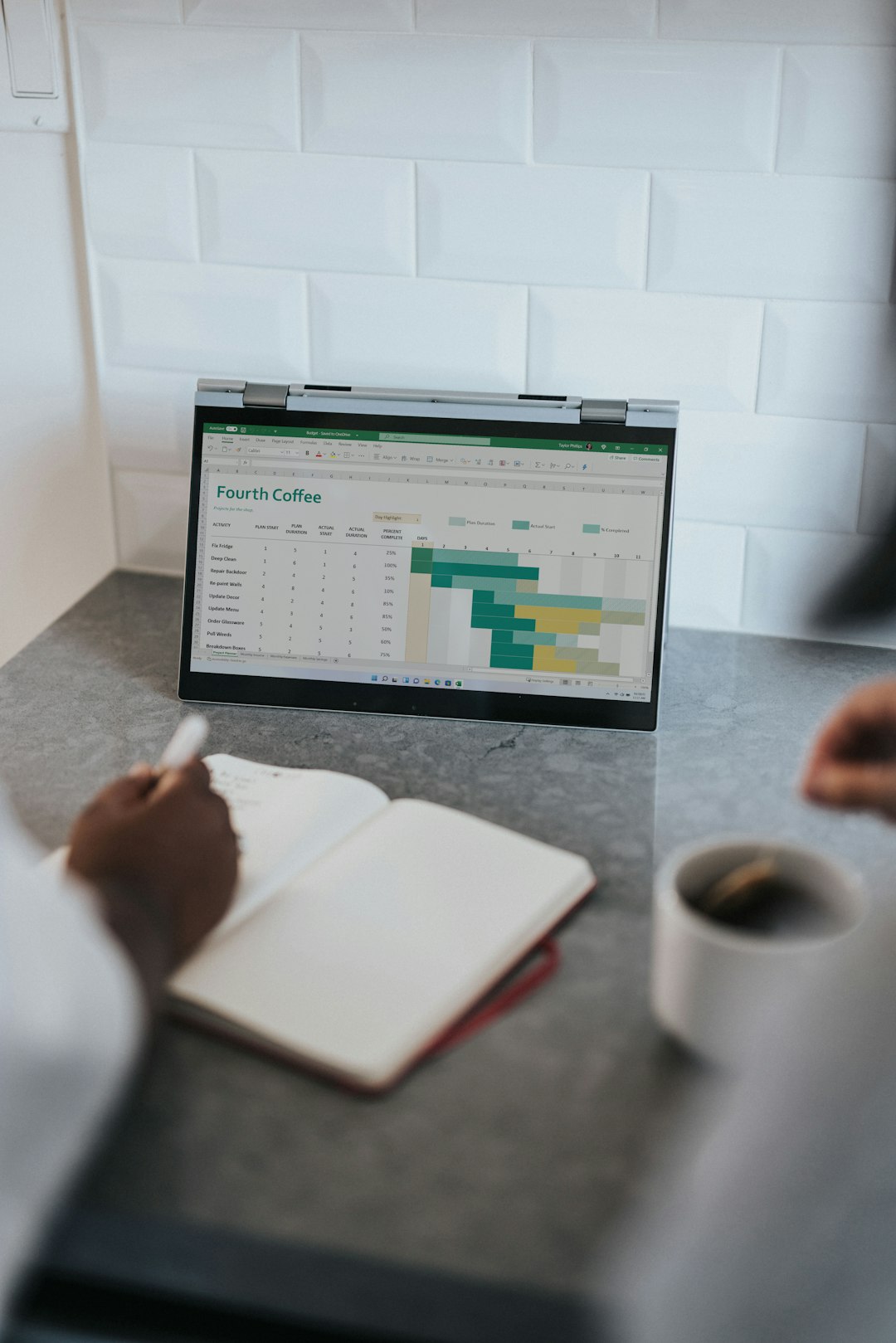
One of the most important steps for productive remote work is establishing a specific place for work. This does not have to be a separate office, although that is ideal. A desk in a quiet corner, a small table near natural light, or a carefully arranged area in a bedroom can work well if it is used consistently.
A dedicated workspace helps the mind associate that location with focus and responsibility. When a person works from the sofa, bed, or kitchen counter every day, the boundaries between rest and work can become blurred. Over time, that may lead to lower concentration during work hours and difficulty relaxing afterward.
The workspace should be kept clean, comfortable, and practical. A supportive chair, good lighting, and easy access to basic supplies can reduce friction throughout the day. Small improvements, such as a notebook, water bottle, headphones, or an external keyboard, may have a noticeable effect on comfort and efficiency.
Following a Consistent Daily Routine
Productivity often begins before the workday officially starts. A consistent morning routine signals that the day has begun and helps the remote worker transition from personal time to professional time. This routine might include waking at the same hour, exercising briefly, showering, dressing comfortably but intentionally, and reviewing the day’s priorities.
Although working from home allows flexibility, too much flexibility can create uncertainty. A person who starts work at random times may struggle to build momentum. A clear schedule gives the day shape. It helps the worker know when to focus, when to pause, and when to stop.
Getting dressed for work, even in simple casual clothing, can also influence mindset. The goal is not to copy an office dress code exactly, but to avoid staying in sleepwear all day. Clothing can serve as a psychological cue that work mode has begun.
Planning the Day Before It Begins
A productive remote worker rarely depends on guesswork. Each day should begin with a clear understanding of what needs to be done. A simple task list can prevent wasted time and reduce decision fatigue. The most effective plans usually include a small number of high-priority tasks rather than a long, overwhelming list.
Many people benefit from choosing the three most important tasks for the day. These are the tasks that would make the day feel successful if completed. Smaller tasks can still be included, but the main priorities should remain visible.
- Identify urgent responsibilities that must be completed that day.
- Block time for focused work, meetings, and administrative tasks.
- Group similar tasks, such as emails, calls, or document reviews.
- Leave buffer time for unexpected requests or technical issues.
Planning the night before can be especially helpful. When the next day’s priorities are already written down, the remote worker can begin with purpose instead of spending the first hour deciding what to do.
Using Time Blocks and Focus Sessions
Time blocking is a practical method for remote productivity. Instead of keeping the day open and reacting to every message, the worker assigns specific periods to specific types of work. For example, deep work may happen from 9:00 to 11:00, messages may be reviewed at 11:30, and meetings may be scheduled in the afternoon.
Focus sessions can be short or long depending on the task. Some people use the Pomodoro method, working for 25 minutes and resting for 5 minutes. Others prefer 60 to 90 minutes of concentrated effort followed by a longer break. The best method is the one that helps the worker maintain steady energy without feeling drained.
During focus sessions, distractions should be minimized. Notifications can be silenced, unnecessary browser tabs can be closed, and the phone can be placed out of reach. Even small interruptions can break concentration and make tasks take longer than necessary.
Reducing Distractions at Home
Home environments often contain distractions that offices do not. Household chores, family conversations, pets, television, social media, and deliveries can all interrupt the flow of work. A productive remote worker does not eliminate every distraction, but creates systems to manage them.
Boundaries with other household members are essential. Family members, roommates, or children may need to know when the worker is available and when focus time must be respected. A closed door, headphones, or a visible sign can help communicate that work is in progress.
Digital distractions require equal attention. Social media, news websites, and casual browsing can quietly consume large portions of the day. Website blockers, app limits, and scheduled message checks can help protect attention. The remote worker should treat attention as a limited resource that must be carefully managed.

Maintaining Clear Communication
Remote productivity is not only about individual effort. It also depends on communication with managers, clients, and teammates. When people are not in the same physical space, misunderstandings can occur more easily. Clear communication prevents delays, duplicated work, and confusion.
A productive remote worker provides updates before being asked, especially on important projects. Short progress messages, clear deadlines, and written summaries after meetings can help everyone stay aligned. It is also useful to confirm expectations before beginning complex tasks.
Communication should be intentional, not constant. Responding instantly to every message may feel productive, but it can prevent deep work. Many successful remote workers set specific windows for checking email and chat platforms, while remaining available for truly urgent issues.
Taking Breaks Without Losing Momentum
Working from home can make breaks feel unnecessary, but they are important for long-term productivity. Without natural office interruptions, a person may sit for hours without realizing it. This can lead to fatigue, stiffness, and reduced mental clarity.
Breaks should be purposeful. A useful break might include stretching, walking outside, drinking water, preparing a healthy snack, or looking away from screens. Scrolling through social media may feel relaxing, but it often leaves the mind more scattered.
Movement is especially valuable. Even a five-minute walk around the home or outside can reset attention. Physical activity improves mood, energy, and problem-solving ability. A worker who takes regular breaks often completes tasks more efficiently than one who pushes through exhaustion.
Protecting Work Life Balance
One of the biggest challenges of working from home is knowing when to stop. Since the workspace is nearby, it can be tempting to answer one more email, finish one more task, or check one more notification. Over time, this can lead to burnout.
A clear end-of-day routine helps protect balance. The remote worker can review completed tasks, write a plan for the next day, close work applications, and physically leave the workspace. If possible, work equipment should be put away or covered to create a visual separation between work and personal time.
Healthy boundaries support better performance. A rested worker is more focused, creative, and patient. Productivity is not measured only by hours worked; it is also measured by the quality and consistency of the work produced.
Using Tools Without Becoming Dependent on Them
Productivity tools can be helpful, but they should not become a source of complexity. Task managers, calendars, note-taking apps, timers, and project boards can organize work effectively. However, too many tools may create confusion and unnecessary maintenance.
The best system is usually simple. A remote worker might use one calendar for scheduling, one task list for priorities, and one communication platform for team updates. Tools should support the work, not replace thoughtful planning.
Automation can also reduce repetitive effort. Calendar reminders, email filters, saved templates, and recurring task lists can free mental energy for more important responsibilities. When used wisely, technology creates structure and reduces the chance of missed deadlines.
Building Healthy Habits That Support Productivity
Productivity is strongly connected to health. Sleep, nutrition, hydration, movement, and stress management all affect focus. A person who sleeps poorly or skips meals will likely struggle to maintain steady performance, no matter how organized the schedule is.
Remote workers should pay attention to energy patterns. Some people think most clearly in the morning, while others do their best work in the afternoon. When possible, demanding tasks should be scheduled during peak energy hours, while easier tasks can be saved for lower-energy periods.
A healthy work-from-home routine may include:
- Drinking water throughout the day.
- Eating balanced meals instead of constant snacks.
- Standing, stretching, or walking regularly.
- Getting natural light when possible.
- Keeping a consistent sleep schedule.

Reviewing Progress and Adjusting Regularly
No productivity system is perfect forever. Workloads change, personal responsibilities shift, and energy levels vary. A productive remote worker regularly reviews what is working and what is not.
A weekly review can be simple. The worker can look at completed tasks, missed deadlines, distractions, and upcoming priorities. This reflection helps identify patterns. For example, if meetings often interrupt deep work, the schedule may need adjustment. If afternoons are consistently unproductive, important tasks may need to move earlier.
Small improvements are often more sustainable than dramatic changes. A better chair, a clearer task list, a shorter meeting, or a fixed lunch break can improve productivity over time. The goal is not perfection, but steady progress.
Conclusion
Staying productive while working from home requires intention. The most successful remote workers create an environment and routine that make focus easier. They plan their days, communicate clearly, manage distractions, and protect their personal time.
Working from home can be both flexible and productive when structure is treated as a tool rather than a restriction. With the right habits, a person can complete meaningful work, maintain balance, and enjoy the benefits of a home-based work life.
FAQ
- What is the best way to start a productive work-from-home day?
- A productive day often starts with a consistent morning routine, a clear task list, and a defined start time. Reviewing the top priorities before checking messages can help create momentum.
- How can a remote worker avoid distractions at home?
- Distractions can be reduced by creating a dedicated workspace, setting boundaries with household members, silencing unnecessary notifications, and scheduling specific times for chores or personal tasks.
- How often should breaks be taken while working from home?
- Many remote workers benefit from a short break every 60 to 90 minutes. The ideal rhythm depends on the task, but regular movement and screen-free pauses usually improve focus.
- Is it better to follow a strict schedule or a flexible one?
- A balanced approach usually works best. A remote worker should have enough structure to stay focused, while keeping some flexibility for unexpected tasks, energy changes, or personal responsibilities.
- How can work life balance be maintained at home?
- Work life balance improves when the worker sets clear start and end times, closes work tools after hours, takes real breaks, and separates the workspace from relaxation areas whenever possible.


Leave a Reply