The iPhone 12 may no longer be Apple’s newest smartphone, but it remains a popular and capable device with excellent performance, 5G support, and modern connectivity features. One of those features is eSIM, a digital SIM technology that lets you activate a mobile plan without inserting a physical SIM card. If you are wondering whether the iPhone 12 supports eSIM and how it works in everyday use, the short answer is: yes, it does.
TLDR: The iPhone 12 supports eSIM as well as a physical nano SIM card, allowing you to use two phone numbers or plans on the same device. You can activate an eSIM by scanning a QR code, using a carrier app, or entering details manually, depending on your mobile provider. It is useful for travel, separating work and personal numbers, or switching carriers more easily. However, eSIM availability depends on carrier support and regional compatibility.
- What Is an eSIM?
- Does the iPhone 12 Support eSIM?
- How Dual SIM Works on the iPhone 12
- How to Set Up eSIM on an iPhone 12
- Why Use eSIM on the iPhone 12?
- Does eSIM Work With 5G on the iPhone 12?
- Can You Use Two eSIMs at Once on the iPhone 12?
- How to Manage eSIM Settings
- What Are the Limitations of eSIM on iPhone 12?
- Is eSIM Safe?
- Should You Use eSIM on Your iPhone 12?
- Final Thoughts
What Is an eSIM?
An eSIM, short for embedded SIM, is a digital version of the traditional SIM card. Instead of placing a small plastic card into your phone, the eSIM is built into the device’s hardware. Your carrier provides a digital profile that is downloaded and activated on the phone.
This means the eSIM performs the same basic function as a physical SIM: it identifies your device on a mobile network and allows you to make calls, send messages, and use mobile data. The difference is that an eSIM does not need to be physically removed, swapped, or replaced.
For many people, eSIM is more convenient because it makes it easier to add a second line, sign up for a travel data plan, or switch between carriers without waiting for a SIM card to arrive in the mail.
Does the iPhone 12 Support eSIM?
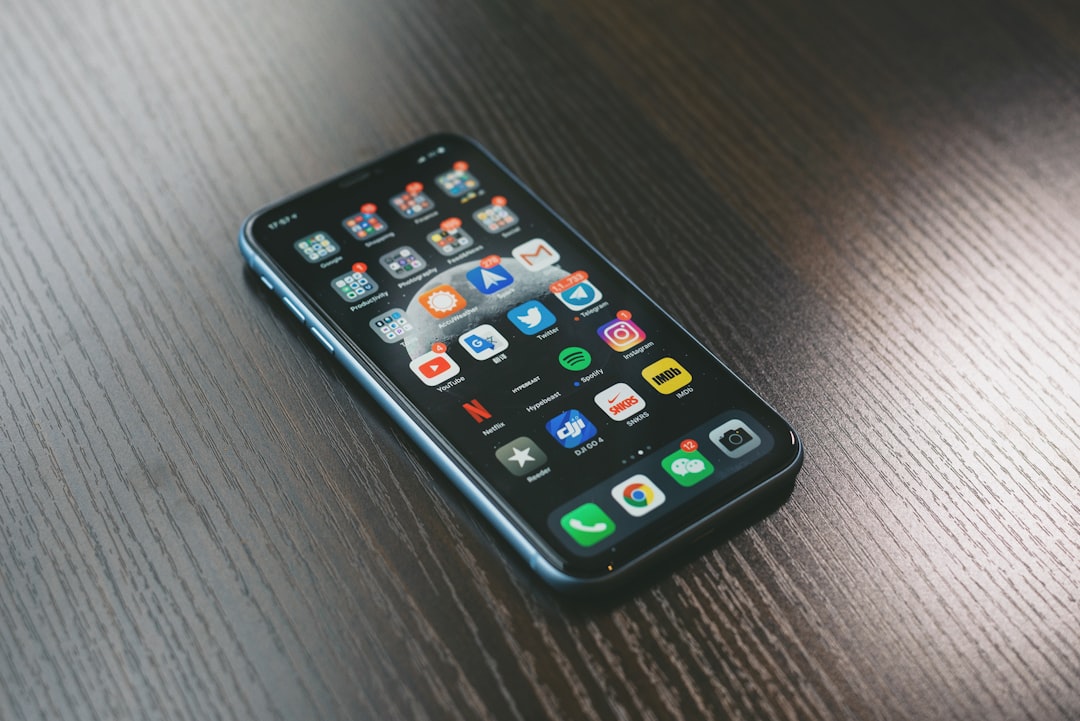
Yes, the iPhone 12 supports eSIM. In fact, all models in the iPhone 12 lineup include eSIM capability:
- iPhone 12
- iPhone 12 mini
- iPhone 12 Pro
- iPhone 12 Pro Max
These models support a combination of one physical nano SIM and one eSIM. This lets you use Dual SIM functionality, meaning two separate phone lines can be active on the same iPhone.
For example, you could have one number for personal calls and another for work. Or you could keep your primary number active while using a local data plan when traveling abroad. This flexibility is one of the biggest reasons people use eSIM on the iPhone 12.
How Dual SIM Works on the iPhone 12
The iPhone 12 can use two cellular plans at the same time: one through the physical SIM card slot and one through eSIM. This is called Dual SIM with eSIM.
With Dual SIM, both numbers can receive calls and messages. However, only one line can use cellular data at a time. You can choose which line is the default for calls, which one is used for mobile data, and which one should be used for specific contacts.
Apple allows you to label your plans, which makes managing them easier. Common labels include:
- Personal
- Business
- Travel
- Data Only
- Primary and Secondary
When you call or text someone, your iPhone can remember which number you used last time. You can also manually choose a line before making a call or sending a message.
How to Set Up eSIM on an iPhone 12
Setting up eSIM on the iPhone 12 is usually straightforward, but the exact steps depend on your carrier. Most mobile providers use one of three common activation methods: QR code, carrier app, or manual entry.
1. Activate eSIM Using a QR Code
This is one of the most common setup methods. Your carrier gives you a QR code, either on paper, by email, or through your online account.
- Open Settings on your iPhone 12.
- Tap Cellular or Mobile Data.
- Select Add Cellular Plan or Add eSIM.
- Scan the QR code provided by your carrier.
- Follow the on-screen instructions to complete activation.
Once the eSIM is installed, you can choose labels for your plans and decide which line should be used as the default.
2. Activate eSIM Through a Carrier App
Some carriers allow eSIM activation directly through their app. This is especially common with prepaid providers and travel data services.
- Download the carrier’s app from the App Store.
- Choose a mobile plan.
- Sign in or create an account.
- Follow the app’s activation process.
- Allow the app to add the eSIM profile to your iPhone.
This method is convenient because it often lets you purchase and activate a plan in minutes, without speaking to support or visiting a store.
3. Enter eSIM Details Manually
If you cannot scan a QR code, your carrier may provide activation details that can be entered manually. This usually includes an SM DP+ address and an activation code.
To enter details manually, go to Settings, then Cellular or Mobile Data, choose Add eSIM, and look for the option to enter information manually.
Why Use eSIM on the iPhone 12?
There are several practical reasons to use eSIM on an iPhone 12. It is not just a futuristic feature; it can make daily phone use simpler and more flexible.
Separate Work and Personal Numbers
If you carry one phone for work and another for personal use, eSIM may let you combine both lines on one iPhone. You can receive calls from both numbers, label each line clearly, and choose which number to use when contacting different people.
Better Travel Convenience
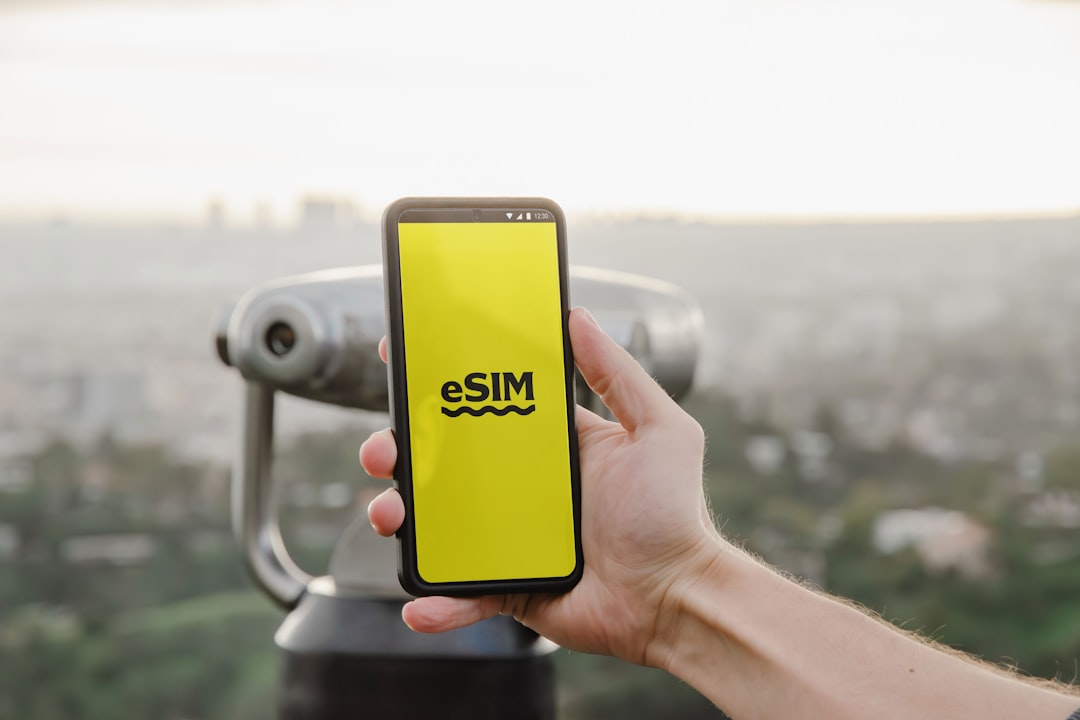
Travel is one of the best use cases for eSIM. Instead of buying a physical SIM card at an airport or mobile shop, you can purchase an eSIM data plan before or during your trip. This can help you avoid expensive roaming charges while keeping your main number available for calls and messages.
Faster Carrier Switching
With eSIM, switching carriers can be quicker because there is no need to wait for a physical SIM card. If your carrier supports eSIM activation, you may be able to move to a new plan digitally.
Useful Backup Connection
Some users keep a second plan as a backup. If one carrier has weak coverage in a certain area, the second line may provide better service. This can be useful for frequent travelers, remote workers, or people who rely heavily on mobile connectivity.
Does eSIM Work With 5G on the iPhone 12?
Yes, eSIM can work with 5G on the iPhone 12, as long as your carrier supports 5G and your plan includes it. The iPhone 12 was Apple’s first iPhone generation with 5G, and both physical SIM and eSIM plans can use 5G where available.
However, there are a few important details. Carrier support, network coverage, and plan type all matter. If you activate an eSIM from a provider that only offers 4G LTE, your iPhone will not magically provide 5G on that plan. Likewise, if you are in an area without 5G coverage, the phone will fall back to LTE or another supported network.
Can You Use Two eSIMs at Once on the iPhone 12?
The iPhone 12 can store multiple eSIM profiles, but it cannot use two eSIMs actively at the same time. On the iPhone 12, the active Dual SIM setup is typically one physical nano SIM and one eSIM.
This is different from some newer iPhone models, which can support two active eSIMs at once. With the iPhone 12, you can keep more than one eSIM profile saved on the device, but you will need to switch between them if you want to use a different eSIM plan.
This distinction is important if you plan to rely only on digital SIMs. If you need two active lines on an iPhone 12, one of them usually needs to be a physical SIM.
How to Manage eSIM Settings
Once your eSIM is installed, you can manage it from the iPhone’s settings menu. Go to Settings > Cellular or Settings > Mobile Data, depending on your region.
From there, you can:
- Turn a line on or off.
- Choose the default voice line.
- Select which line uses cellular data.
- Allow cellular data switching between lines.
- Rename or relabel each plan.
- Remove an eSIM profile from the device.
The option called Allow Cellular Data Switching can be useful if you want your iPhone to automatically switch data lines depending on coverage and availability. However, be careful when traveling, because automatic switching could potentially use a line that has roaming charges.
What Are the Limitations of eSIM on iPhone 12?
Although eSIM is convenient, it is not perfect. The most important limitation is carrier support. Not every mobile provider supports eSIM, and some carriers only support it for certain plans or account types.
Another issue is transferring an eSIM. Moving a physical SIM from one phone to another is often as simple as removing the card and inserting it into the new device. With eSIM, you may need to contact your carrier, use their app, or go through a transfer process. Some carriers make this easy, while others make it more complicated.
You should also consider device locking. If your iPhone 12 is locked to a specific carrier, you may not be able to use an eSIM from another provider until the phone is unlocked. This is especially important if you bought the phone through a carrier contract or installment plan.
Is eSIM Safe?
eSIM is generally considered secure. Because there is no removable card, it can be harder for someone to steal your SIM by physically taking it out of your phone. If your iPhone is lost or stolen, the eSIM remains protected by the device’s security features, such as Face ID, passcode protection, and Activation Lock.
That said, eSIM does not eliminate all risks. You should still protect your carrier account with a strong password and enable extra security features if your provider offers them. SIM swap fraud can still happen at the account level if someone tricks a carrier into transferring your number.
Should You Use eSIM on Your iPhone 12?
If your carrier supports it, eSIM is absolutely worth considering. It is especially useful if you want two numbers on one phone, travel internationally, or prefer digital activation over handling physical SIM cards. The iPhone 12’s support for both nano SIM and eSIM gives it a flexible setup that works well for many users.
For most people, the best arrangement is to keep a primary number on the physical SIM and use the eSIM for a secondary plan, travel data, or business line. However, you can also use the eSIM as your main plan if your carrier supports it reliably.
Final Thoughts
The iPhone 12 does support eSIM, and it does so in a practical, user-friendly way. By combining a physical nano SIM with a digital eSIM, it gives you the freedom to manage two cellular plans on one device. Whether you want to separate work and personal calls, save money while traveling, or try a new carrier without waiting for a SIM card, eSIM can make your iPhone 12 more versatile.
The only real requirement is making sure your carrier supports eSIM and that your iPhone is unlocked if you plan to use multiple providers. Once activated, eSIM works quietly in the background, just like a traditional SIM, but with far more flexibility. For an iPhone generation that helped bring 5G to the mainstream, the iPhone 12’s eSIM support remains one of its most useful modern features.



Leave a Reply