As organizations accelerate their digital transformation strategies, moving workloads from on-premises environments to the cloud has become a top priority. Yet cloud migration is rarely as simple as flipping a switch. It involves careful planning, minimal downtime, security controls, and compatibility management across diverse systems. This is where cloud migration tools like Carbonite Migrate come into play, offering automated, structured, and reliable pathways to modern infrastructure.
TLDR: Cloud migration tools such as Carbonite Migrate simplify the process of moving workloads from on-premises systems to cloud environments with minimal downtime. They provide automation, continuous replication, and testing capabilities that reduce risk and improve business continuity. These tools support hybrid and multi-cloud strategies, making complex migrations more manageable. For businesses aiming to modernize without disruption, cloud migration solutions are critical components of a successful transition.
In today’s dynamic IT ecosystem, migrations are not just about moving data—they are about preserving performance, maintaining uptime, and ensuring business continuity. Whether an enterprise is shifting to AWS, Microsoft Azure, Google Cloud, or a hybrid configuration, workload portability demands precision and reliability.
- Understanding Cloud Workload Migration
- What Is Carbonite Migrate?
- Key Features of Cloud Migration Tools
- Why Businesses Choose Tools Like Carbonite Migrate
- Common Cloud Migration Scenarios
- Security and Compliance Considerations
- Best Practices for Successful Workload Migration
- Hybrid and Multi-Cloud Opportunities
- The Future of Cloud Migration Technology
- Conclusion
Understanding Cloud Workload Migration
Workload migration refers to transferring applications, servers, databases, and associated data from one environment to another. This often means moving from:
- Physical servers to cloud infrastructure
- Virtual machines to public cloud platforms
- Legacy systems to hybrid or multi-cloud environments
- One cloud provider to another (cloud-to-cloud migration)
Each migration scenario presents technical challenges, including compatibility issues, downtime risks, compliance concerns, and data integrity requirements. Without the right tools, migrations can be slow, disruptive, and costly.
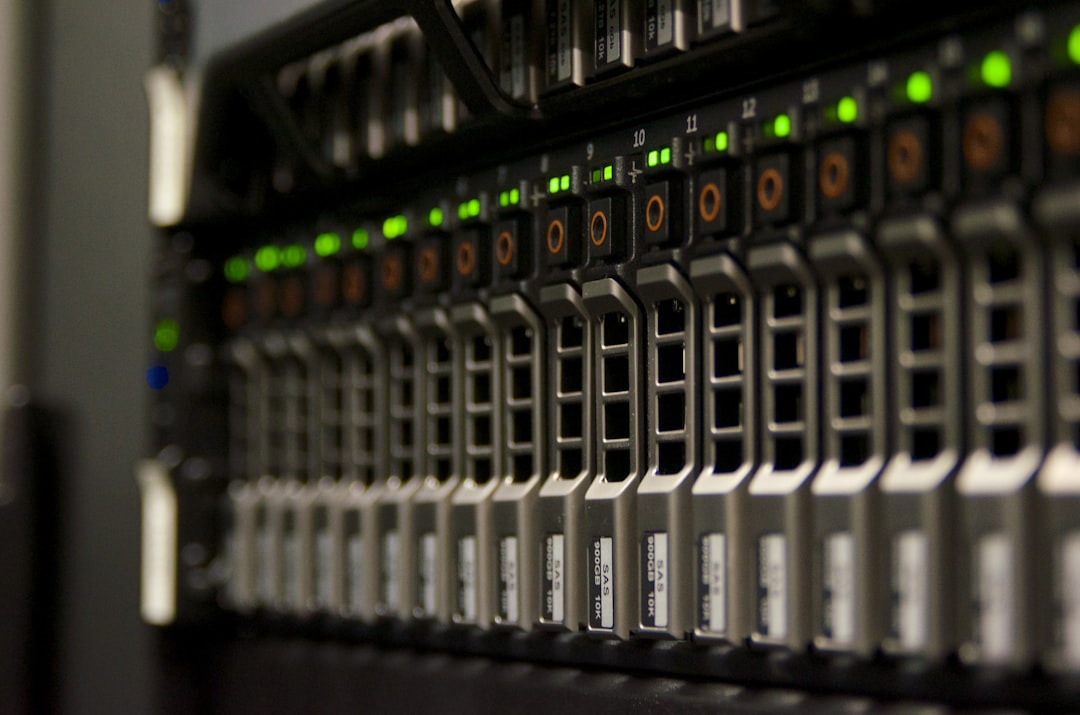
What Is Carbonite Migrate?
Carbonite Migrate is a workload migration solution designed to replicate and move physical, virtual, and cloud-based systems with minimal disruption. It provides continuous data replication, allowing organizations to keep source and target environments synchronized until they are ready to fully cut over.
What distinguishes tools like Carbonite Migrate is their flexibility. They support:
- Windows and Linux operating systems
- Physical, virtual, and cloud environments
- On-premises to cloud migrations
- Cloud to cloud transitions
- Data center consolidations
This adaptability enables organizations to modernize infrastructure at their own pace while minimizing operational risks.
Key Features of Cloud Migration Tools
Cloud migration platforms offer a suite of functionalities that streamline complex transitions. Let’s look at the core features that make tools like Carbonite Migrate valuable.
1. Continuous Replication
One of the most important features is real-time or near-real-time data replication. Instead of moving massive datasets in a single event, workloads are continuously copied to the target environment. This ensures:
- Up-to-date synchronization
- Minimal data loss risk
- Reduced downtime during final switchover
Organizations can test workloads in the new environment without interrupting production systems.
2. Non-Disruptive Testing
Migration tools allow teams to test replicas before fully committing to the move. This ability to validate performance, application functionality, and security configurations ensures smoother cutovers.
Testing reduces uncertainty and builds confidence among IT teams and business stakeholders alike.
3. Automated Failover and Cutover
Downtime can be expensive. Automated cutover capabilities allow organizations to switch from source to target systems quickly and with minimal manual intervention. In some cases, downtime is reduced to minutes rather than hours or days.
4. Platform Flexibility
Modern IT environments are rarely uniform. Migration tools support multiple source and target platforms, including:
- VMware and Hyper-V
- AWS EC2
- Microsoft Azure Virtual Machines
- Google Compute Engine
This compatibility ensures businesses avoid vendor lock-in while enabling cloud strategy flexibility.
Why Businesses Choose Tools Like Carbonite Migrate
Organizations adopt migration tools not just for convenience but for strategic advantages. Cloud transitions impact financial performance, agility, and long-term scalability.
Reduced Downtime
Unplanned downtime can cost thousands—or even millions—per hour. By keeping systems replicated and synchronized, migration tools significantly reduce service interruptions.
Lower Risk
Manual migrations are prone to errors. Automation minimizes configuration mistakes, corrupted transfers, or incomplete data sets.
Improved Business Continuity
Since migration tools replicate systems, they can also serve as temporary disaster recovery solutions during the transition phase. If unexpected issues arise, businesses can revert to their original systems quickly.

Cost Management
By allowing staged migrations, organizations can shift workloads gradually, avoiding massive upfront expenses. Additionally, moving to the cloud often enables better resource scaling and operational cost optimization.
Common Cloud Migration Scenarios
There is no one-size-fits-all migration plan. Tools like Carbonite Migrate support various strategies depending on organizational needs.
Data Center Exit
When companies shut down on-premises data centers, they must move hundreds or thousands of workloads. Migration tools facilitate bulk transfers while preserving system integrity.
Cloud Modernization
Some organizations start with basic lift-and-shift migrations. Later, they refactor applications for cloud-native architectures. Reliable migration tools provide the first step toward broader modernization initiatives.
Merger and Acquisition Integration
Following mergers or acquisitions, consolidating IT systems is critical. Migration platforms simplify workload consolidation and system harmonization between entities.
Geographical Relocation
Companies expanding into new global markets often move workloads closer to end-users for performance optimization. Replication-based migration ensures minimal disruption.
Security and Compliance Considerations
Security remains a dominant concern in any migration initiative. Cloud migration tools typically include encryption features that protect data both in transit and at rest. Additionally, access controls restrict migration management to authorized personnel.
Compliance frameworks such as GDPR, HIPAA, and SOC 2 require careful handling of sensitive information. A structured migration platform provides logging, auditing, and reporting capabilities that support regulatory requirements.
Organizations should also conduct pre-migration risk assessments to identify:
- Data classification levels
- Application dependencies
- Authentication and identity integration needs
- Network bandwidth requirements
Best Practices for Successful Workload Migration
Even with advanced tools, successful migrations require disciplined planning and execution.
1. Perform a Comprehensive Assessment
Inventory all applications, servers, and dependencies. Understanding the ecosystem prevents fragmented or misaligned migration processes.
2. Define Clear Objectives
Are you migrating to reduce costs, improve scalability, enhance disaster recovery, or modernize infrastructure? Clearly defined outcomes guide migration strategies.
3. Prioritize Workloads Strategically
Not all systems are equally critical. Begin with less complex workloads to fine-tune processes before tackling mission-critical applications.
4. Monitor Performance Post-Migration
Migration doesn’t end at cutover. Continuous monitoring ensures that CPU usage, memory performance, and latency meet expectations.

Hybrid and Multi-Cloud Opportunities
Cloud migration tools also play a significant role in hybrid and multi-cloud strategies. Instead of committing entirely to one provider, businesses can distribute workloads across multiple platforms to improve resilience and flexibility.
For example:
- A database might reside in a private cloud for security.
- Customer-facing applications may operate in a public cloud for scalability.
- Backup systems could exist in a secondary region for redundancy.
Migration tools ensure seamless workload movement between these environments as operational demands evolve.
The Future of Cloud Migration Technology
As cloud adoption expands, migration technologies will continue evolving. Emerging innovations include:
- AI-driven migration planning to identify optimal timing and sequencing.
- Predictive analytics to assess performance outcomes before cutover.
- Automated dependency mapping for complex, containerized environments.
- Integration with DevOps pipelines to support continuous delivery models.
Future tools will likely focus on even greater automation and visibility, enabling seamless transitions with minimal manual oversight.
Conclusion
Cloud migration is no longer optional for organizations seeking competitive advantage—it is foundational to digital transformation. However, the complexity of transferring workloads across environments requires precision, resilience, and strong governance.
Tools like Carbonite Migrate provide structured, secure, and efficient pathways for transitioning workloads with minimal business interruption. Through continuous replication, automated cutovers, and broad platform compatibility, these solutions reduce risk and empower organizations to confidently embrace cloud infrastructure.
As enterprises pursue hybrid strategies, expand globally, and modernize legacy systems, cloud migration platforms will remain central to their success. The journey to the cloud may be complex, but with the right tools in place, it becomes a strategic opportunity rather than a disruptive challenge.



Leave a Reply