Podcasting has evolved from a niche hobby into a mainstream media channel used by creators, entrepreneurs, educators, and businesses worldwide. With millions of shows competing for attention, producing high-quality audio and publishing consistently is no longer optional—it is essential. Fortunately, modern podcasting apps make it easier than ever to record, edit, enhance, and distribute episodes without requiring a full production studio.
TLDR: The right podcasting app can dramatically improve both audio quality and workflow efficiency. From beginner-friendly mobile editors to professional-grade desktop digital audio workstations, today’s tools offer powerful features like AI noise removal, multitrack editing, and one-click publishing. This guide explores eight top podcasting apps, compares their features, and helps creators choose the best solution for editing and publishing like a pro.
Whether a creator is launching their first podcast or refining an existing show, the following eight apps provide professional-level capabilities while catering to various experience levels and budgets.
- 1. Adobe Audition
- 2. Audacity
- 3. GarageBand
- 4. Descript
- 5. Riverside
- 6. Anchor (Spotify for Podcasters)
- 7. Hindenburg Journalist
- 8. Alitu
- Comparison Chart
- Choosing the Right Podcasting App
- Final Thoughts
-
Frequently Asked Questions (FAQ)
- 1. What is the best podcast editing app for beginners?
- 2. Are free podcast editing apps good enough for professional results?
- 3. Can podcasting apps remove background noise?
- 4. Do podcast apps distribute episodes to platforms like Spotify and Apple Podcasts?
- 5. What app is best for remote podcast interviews?
- 6. Is AI editing reliable for podcasts?
1. Adobe Audition
Best for: Advanced audio editing and professional production.
Adobe Audition is widely regarded as an industry-standard digital audio workstation (DAW). It offers multitrack editing, advanced noise reduction tools, spectral frequency display, and seamless integration with other Adobe Creative Cloud apps.
Podcasters benefit from features such as:
- Adaptive noise reduction
- Parametric equalizer and compression tools
- Loudness normalization for platform compliance
- Multitrack session templates
This app is ideal for experienced podcasters who want total control over audio quality. While the learning curve may be steep, the results are polished and broadcast-ready.
2. Audacity
Best for: Free, open-source editing.
Audacity has long been a favorite among beginner and budget-conscious podcasters. Despite being free, it offers powerful editing tools such as multitrack support, background noise removal, and plugin compatibility.
Key advantages include:
- Cross-platform support (Windows, macOS, Linux)
- Extensive plugin library
- Simple interface for quick learning
- Strong community support
While it may lack some advanced automation and AI-powered tools found in premium apps, Audacity remains a dependable solution for high-quality podcast production.
3. GarageBand
Best for: Mac users seeking simplicity and quality.
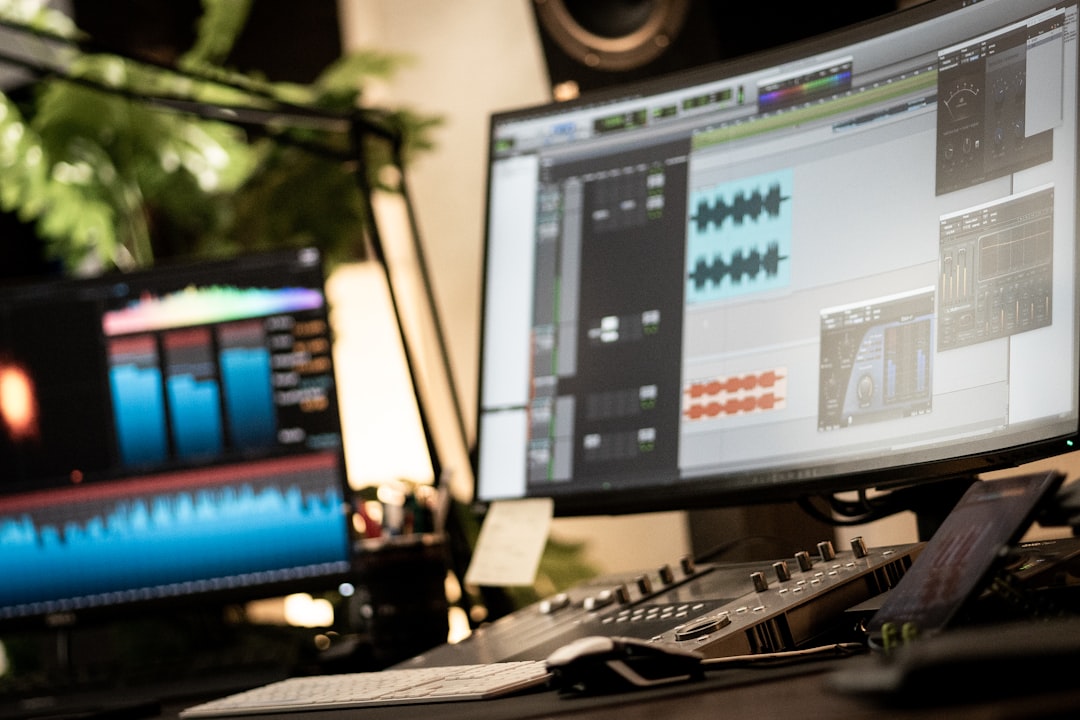
GarageBand provides an approachable interface with surprisingly robust recording capabilities. It allows podcasters to record multiple tracks, edit with drag-and-drop simplicity, and apply studio-style effects.
Its strengths include:
- Built-in sound effects and music loops
- Easy EQ and compression controls
- Optimized performance on Apple devices
- Direct export to MP3 or AAC
For Apple users, GarageBand offers a seamless way to produce professional-sounding episodes without additional costs.
4. Descript
Best for: AI-powered editing and transcription.
Descript has revolutionized podcast editing by allowing users to edit audio by editing text. Once an episode is transcribed, podcasters can delete filler words, cut sections, or rearrange content simply by editing the transcript.
Advanced features include:
- Automatic transcription
- AI voice cloning for corrections
- Screen recording for video podcasts
- Filler word detection
This tool drastically reduces editing time and is particularly helpful for podcasters who value efficiency and content repurposing.
5. Riverside
Best for: Remote interviews with studio-quality results.
Riverside enables podcasters to record remote interviews in high-definition audio and video. Each participant’s track is recorded locally, ensuring crystal-clear results even if internet connectivity fluctuates.
Notable features:
- Separate audio and video tracks
- High-resolution recording
- Cloud-based storage
- Live streaming capabilities
This platform is especially valuable for interview-based podcasts featuring guests from different locations.
6. Anchor (Spotify for Podcasters)
Best for: All-in-one recording and publishing.
Spotify for Podcasters (formerly Anchor) simplifies podcast distribution by combining editing and hosting into a single platform. Users can record directly within the app, add music or transitions, and publish to major directories.
Highlights include:
- Free unlimited hosting
- Distribution to major platforms
- Basic editing tools
- Monetization options
It is perfect for beginners who want to focus on content creation without managing separate hosting and editing systems.
7. Hindenburg Journalist
Best for: Story-driven podcasts and journalists.
Hindenburg Journalist is designed with spoken-word audio in mind. It automatically levels audio and emphasizes voice clarity, making it ideal for narrative podcasts.
Professional features include:
- Automatic loudness standards compliance
- Non-destructive editing
- Organized media management system
- Integrated publishing tools
This app is particularly effective for documentary-style storytelling.
8. Alitu
Best for: Automated production workflows.
Alitu automates many technical processes, including noise reduction, compression, and formatting. It allows creators to upload raw recordings and receive a cleaned-up, ready-to-publish file.
Top benefits:
- Automatic audio cleanup
- Episode builder with music integration
- Direct hosting and publishing
- Browser-based editing
For podcasters who prefer focusing on content rather than technical adjustments, Alitu offers a streamlined solution.
Comparison Chart
| App | Best For | Skill Level | Key Feature | Publishing Included |
|---|---|---|---|---|
| Adobe Audition | Professional production | Advanced | Spectral editing | No |
| Audacity | Free editing | Beginner to Intermediate | Open source plugins | No |
| GarageBand | Mac users | Beginner | Drag and drop simplicity | No |
| Descript | AI editing | Beginner to Intermediate | Text-based editing | Limited |
| Riverside | Remote interviews | All levels | Local track recording | No |
| Spotify for Podcasters | All-in-one publishing | Beginner | Free hosting | Yes |
| Hindenburg Journalist | Storytelling podcasts | Intermediate | Auto leveling | Yes |
| Alitu | Automation | Beginner | Automatic audio cleanup | Yes |
Choosing the Right Podcasting App
Selecting the appropriate app depends largely on the podcaster’s goals, technical expertise, and workflow needs. Beginners may prioritize intuitive interfaces and built-in publishing features. More advanced creators may focus on fine-tuned audio editing capabilities and integration with other production tools.
Important factors to consider include:
- Budget: Free tools like Audacity reduce startup barriers.
- Recording needs: Remote interviews require specialized platforms.
- Editing complexity: Narrative podcasts may need multitrack precision.
- Publishing workflow: Integrated hosting simplifies distribution.
- Scalability: Growing podcasts may require advanced mastering tools.
Final Thoughts
Professional podcast production is no longer limited to expensive studios or technical experts. With the right app, creators can record, refine, and publish engaging episodes directly from a laptop or even a mobile device. By leveraging tools such as AI transcription, automated audio cleanup, and seamless hosting integrations, podcasters can elevate their content to compete with top-tier shows.
Each of the eight apps listed here caters to different needs, from comprehensive editing suites to streamlined publishing platforms. By understanding their strengths and aligning them with specific goals, any podcaster can edit and publish like a pro.
Frequently Asked Questions (FAQ)
1. What is the best podcast editing app for beginners?
Spotify for Podcasters and GarageBand are excellent beginner-friendly options due to their intuitive interfaces and simplified workflows.
2. Are free podcast editing apps good enough for professional results?
Yes. Apps like Audacity can produce professional-quality audio when used properly, especially with good recording equipment.
3. Can podcasting apps remove background noise?
Most modern apps include noise reduction features. Advanced tools like Adobe Audition and AI-powered options like Descript offer particularly strong cleanup capabilities.
4. Do podcast apps distribute episodes to platforms like Spotify and Apple Podcasts?
Some apps, such as Spotify for Podcasters and Alitu, include hosting and distribution. Others require a separate podcast hosting service.
5. What app is best for remote podcast interviews?
Riverside is highly recommended for remote interviews due to its local recording technology and high-definition audio capture.
6. Is AI editing reliable for podcasts?
AI tools like those in Descript are highly reliable for transcription, filler word removal, and basic edits, although manual review is still recommended for best results.
Leave a Reply