As digital communication continues to increase exponentially, so does the need for more efficient networking infrastructure. Whether at home, in offices, or across expansive data centers, Ethernet connections remain the backbone of our digital lives. With all this connectivity comes energy consumption—which often goes unnoticed. That’s where the concept of Energy Efficient Ethernet (EEE) comes into play. It’s not just a buzzword; it’s a technology with real-world energy-saving implications.
- TL;DR (Too Long; Didn’t Read)
- What is Energy Efficient Ethernet?
- Why Energy Efficiency Matters in Networking
- How Energy Efficient Ethernet Works
- Compatibility and Implementation
- Advantages of Using Energy Efficient Ethernet
- Potential Drawbacks of Energy Efficient Ethernet
- Where is Energy Efficient Ethernet Most Impactful?
- How Much Energy Can Be Saved?
- How to Enable EEE on Your Network
- Conclusion
TL;DR (Too Long; Didn’t Read)
Energy Efficient Ethernet (EEE) is a technology designed to reduce the power consumption of Ethernet devices during periods of inactivity. It achieves this by allowing parts of the physical layer of the network connection to enter a low-power idle state when data isn’t being transmitted. Implemented under the IEEE 802.3az standard, EEE brings significant energy savings, particularly in environments with high data traffic frequency like data centers. While the savings per device may seem small, they add up remarkably in scaled environments.
What is Energy Efficient Ethernet?
Energy Efficient Ethernet refers to the IEEE 802.3az standard, which was ratified in 2010 to tackle the growing concern over the energy consumed by Ethernet links. Traditional Ethernet ports, regardless of whether they were actively transmitting data or not, consumed energy at more or less constant levels. EEE introduced a smarter approach.
When the Ethernet link is idle—meaning no data is being sent—it can temporarily go into a “Low Power Idle” (LPI) mode, drastically reducing power usage. Once data needs to be transmitted again, the system ‘wakes up’ and sends the information with negligible delay.
Why Energy Efficiency Matters in Networking
At first glance, the electricity consumption of a single Ethernet port might appear trivial. However, scale that to thousands or millions of ports across global data centers, businesses, and homes, and the numbers become significant. Here’s why energy efficiency in Ethernet is crucial:
- Lower electricity costs: Over time, energy-efficient devices lead to tangible savings in power bills.
- Reduced environmental impact: Lower power consumption means fewer carbon emissions, especially useful in data-heavy sectors.
- Improved thermal conditions: Less heat is generated, reducing the need for cooling solutions and further cutting energy costs.
How Energy Efficient Ethernet Works
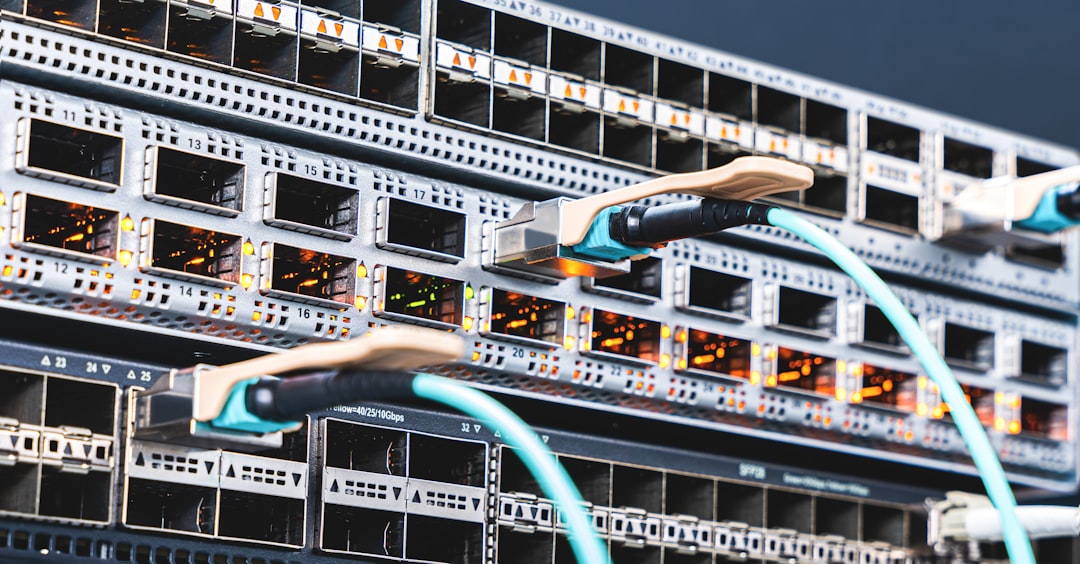
The key innovation of EEE is the Low Power Idle (LPI) mode. When a device senses that no data needs to be transmitted, it sends a signal to its link partner (another Ethernet-capable device) indicating its intent to enter low-power mode. The partner acknowledges, and both ends drop to the LPI state. Here’s a breakdown of the process:
- Idle Detection: The transmitting device detects a lack of data packets to send.
- Transition to LPI: The link sends a Sleep signal and enters LPI mode, lowering power consumption.
- Wake Request: Data becomes available, and a Wake signal is sent.
- Data Transmission: Normal operation resumes almost instantly.
The entire sleep-wake cycle happens in microseconds, ensuring network performance is virtually unaffected.
Compatibility and Implementation
The IEEE 802.3az standard is designed to be backward compatible. This means devices with EEE can operate alongside older, non-EEE devices without issue. However, to realize full energy-saving benefits, both ends of the Ethernet link should support EEE.
EEE is supported on common Ethernet speeds including:
- 100BASE-TX (Fast Ethernet)
- 1000BASE-T (Gigabit Ethernet)
- 10GBASE-T (10 Gigabit Ethernet)
Newer Ethernet interfaces often enable EEE by default, but users may also be able to manage its settings through device firmware or operating system-level network settings.
Advantages of Using Energy Efficient Ethernet
Beyond the obvious benefit of reducing energy consumption, EEE offers multiple other advantages:
- Environmental Sustainability: Encourages greener IT operations.
- Lower Operational Costs: Especially significant in large-scale deployments.
- Extended Equipment Longevity: Less heat stress leads to reduced wear and tear.
- Compliance with Green Standards: Helps in achieving certifications like ENERGY STAR or LEED for energy-efficient buildings.
Potential Drawbacks of Energy Efficient Ethernet
While EEE is beneficial, it’s not without trade-offs. The main concerns include:
- Latency: Although minimal, transitioning between LPI and active mode can introduce microseconds of delay.
- Application Sensitivity: Real-time applications like voice over IP (VoIP) or video conferencing might be sensitive to even tiny delays.
- Complexity in Management: In some network environments, EEE adds an extra layer of configuration complexity.
Fortunately, for most users and use cases, these drawbacks are negligible, especially compared to the potential energy savings.
Where is Energy Efficient Ethernet Most Impactful?
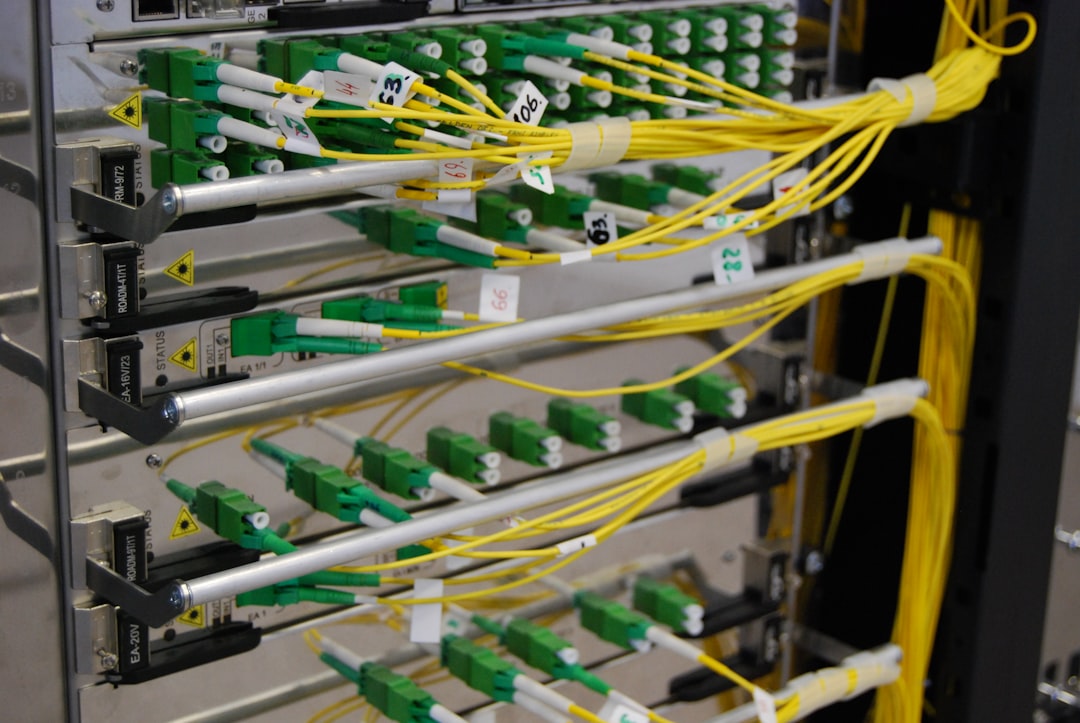
EEE brings the most significant benefits in areas with high port density and variable data usage—in other words, where many network devices are active but not always busy transmitting data. Typical environments include:
- Data Centers: Thousands of devices constantly connecting and disconnecting.
- Enterprise Networks: офис buildings with hundreds of desktops and networking equipment.
- Smart Homes: IoT devices that occasionally transmit data.
- Retail and Warehouses: POS systems, scanners, and security equipment benefit from intermittent data transmission optimization.
How Much Energy Can Be Saved?
According to studies by the IEEE, EEE can reduce the power needed by Ethernet interfaces by up to 50% during idle periods. While the actual energy saved depends on usage patterns, the impact can be immense when scaled. A modest-sized corporate network with 500 Ethernet ports, each saving 0.3W on average, might save over 1,300 kilowatt-hours per year—equivalent to the annual energy consumption of a typical U.S. home.
How to Enable EEE on Your Network
For those looking to harness the benefits of EEE, here are steps to get started:
- Check Compatibility: Ensure both your networking hardware (switches, routers, NICs) and firmware support EEE.
- Update Drivers: Your system’s operating system or NIC drivers must support IEEE 802.3az.
- Enable EEE: Often, EEE is enabled by default, but if not, it can typically be activated in your device’s network configuration settings.
In managed networks, enabling EEE should be done strategically to avoid impacting latency-sensitive services. Close monitoring and testing are recommended in those cases.
Conclusion
As our appetite for bandwidth continues to grow, so should our focus on sustainability. Energy Efficient Ethernet offers a simple yet effective way to chip away at our digital carbon footprint—not through massive infrastructural shifts, but through smarter use of existing technologies.
Whether you’re an IT professional managing a data center or a consumer looking to optimize a home network, EEE represents a step forward toward greener, more cost-effective networking. With minimal downsides and noticeable benefits at scale, it’s a win for both your wallet and the planet.



Leave a Reply