For tech enthusiasts and Android power users, the allure of unlocking a smartphone’s bootloader often lies in the freedom it offers: the ability to install custom ROMs, remove bloatware, or gain root access. LG, once a major player in the Android market, has allowed bootloader unlocking on some of its devices. However, before diving headfirst into the process, it’s essential to understand the risks and implications involved — particularly when it comes to your warranty, device security, and the potential for bricking your phone.
TL;DR (Too Long; Didn’t Read):
Unlocking the LG bootloader gives users advanced control over their devices but comes at a cost. It may void your warranty, expose your device to new security risks, and could cause irreversible damage if done incorrectly. Carefully weigh the benefits against the potential downsides before proceeding. Always back up your data and read official guidelines thoroughly to avoid expensive mistakes.
What is Bootloader Unlocking?
The bootloader is a piece of software that tells your device’s operating system how to boot correctly. In locked devices—like most LG smartphones by default—this bootloader is protected to ensure that only signed, verified software runs at startup. Unlocking it removes those restrictions and allows the user to run custom software.
While this opens the door to personalization and higher-level tweaking, it also removes manufacturer-imposed safety barriers. For some users, unlocking the bootloader is the first step toward modifying their Android experience in ways that standard users simply can’t.
Why Do People Unlock the LG Bootloader?
There are several compelling reasons why LG users might consider unlocking their device’s bootloader, including:
- Installing custom ROMs: Switch to a third-party operating system like LineageOS for a cleaner or upgraded experience.
- Gaining root access: Access and modify system files for maximum customization or performance tweaks.
- Removing bloatware: Eliminate carrier-preinstalled apps that otherwise can’t be uninstalled.
- Enhancing performance: Overclock the CPU or apply performance mods that are unavailable on locked systems.
The Risks of Unlocking Your LG Bootloader
Before unlocking your LG device’s bootloader, it’s vital to fully consider the associated risks. Many users underestimate the technical complexity involved, as well as the irreversible changes that may result.
1. Voided Warranty
LG’s policy is quite clear: unlocking the bootloader voids your limited warranty. Even though LG has exited the smartphone business, its legacy warranty and repair services may still apply in many regions. Once the bootloader is unlocked, your device may no longer be eligible for manufacturer-provided repairs or support—even if the issue has nothing to do with the software modifications.
2. Security Vulnerabilities
Unlocking removes several security layers that protect your phone from malicious attacks or unauthorized data access. For example:
- Any software could potentially be installed without restrictions.
- Secure boot protocols may no longer verify the OS integrity.
- Encryption keys may be reset, compromising secure data storage.
This makes your device more vulnerable to malware, especially if you install unverified ROMs or apps from outside the Play Store.
3. Bricking the Device
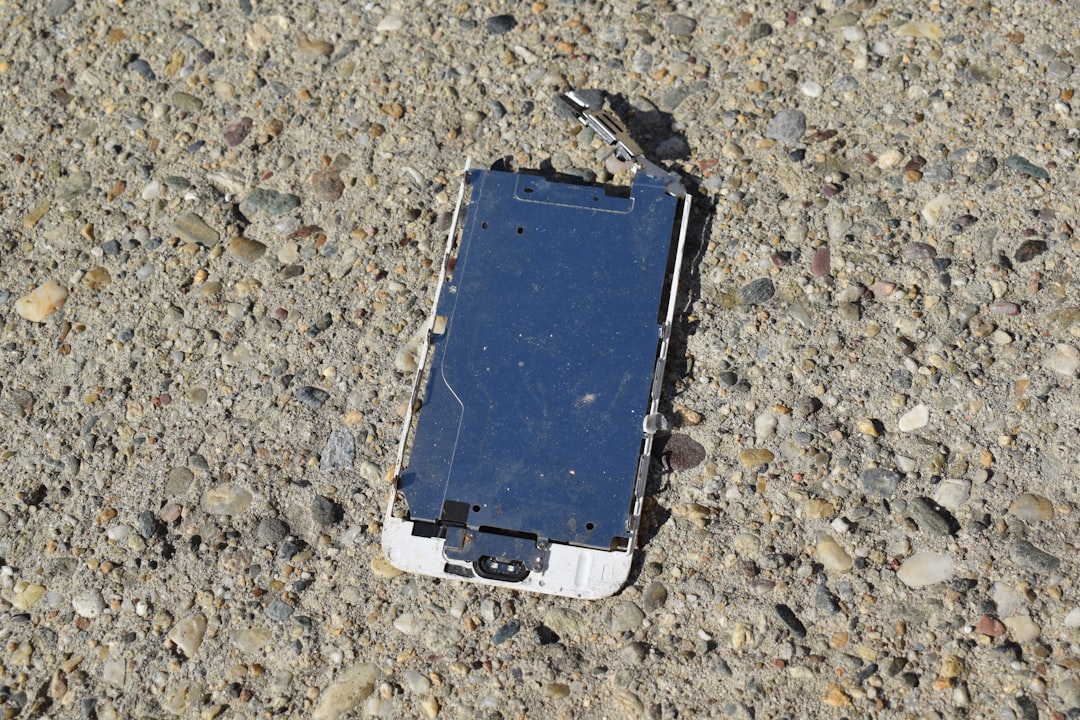
A misstep during the unlocking or flashing process can leave your phone in an unusable state. This is known as “bricking.” Soft bricks may be recoverable, but a hard brick usually renders the device permanently inoperable.
Common causes of bricking include:
- Interrupting the unlock/flash process
- Installing an incompatible ROM
- Incorrect driver or fastboot commands
4. No More Official Updates
Once the bootloader is unlocked and custom ROMs are installed, you may no longer receive LG’s official Android updates or security patches. You will need to rely on community updates, which may be irregular or inconsistent.
The Official LG Bootloader Unlock Process
Until LG shut down its developer portal in late 2021, they allowed users to unlock select models via an official method. If you have an eligible LG phone and saved your unlock key before the portal’s closure, you can still proceed. The general steps are:
- Enable Developer Options and USB Debugging.
- Enable OEM Unlock from Developer settings.
- Obtain the device’s IMEI and Device ID.
- Use fastboot to retrieve an unlock token.
- Submit the token to receive your Unlock Key (only possible while the LG Developer site was active).
- Use the fastboot command to unlock the bootloader using that key.
*Note*: With LG no longer supporting mobile development, acquiring unlock keys for newer phones may now be impossible unless previously downloaded.
It’s important to double-check bootloader unlock support for your specific device model. Most U.S. carriers disabled unlocking functionality, which makes the process even more difficult or unviable.
Best Practices Before You Unlock
If you decide to proceed with unlocking your bootloader, take these preparatory steps to minimize risk:
- Backup all data: The unlock process completely erases your phone.
- Verify model compatibility: Not all LG phones or variants support bootloader unlocking.
- Use official tools where possible: Don’t rely solely on questionable XDA forum posts unless thoroughly verified.
- Understand fastboot commands: A single mistake in the command line can cause permanent damage.
- Read the communities: Platforms like XDA Developers have detailed, step-by-step walkthroughs specific to LG models.
What Happens to Your Warranty?
This is often the dealbreaker for many: unlocking the bootloader will usually void your warranty. Even if LG’s mobile business is discontinued, some third-party repair centers and carriers might refuse service if the bootloader status indicates it’s been tampered with.
In many countries, consumer protection laws may still apply. For example, in the EU, companies are obligated to honor warranties if the issue is clearly unrelated to the bootloader unlocking. However, the burden of proof lies with you.
Can You Re-Lock It?
In some cases, the bootloader can be re-locked, but this does not necessarily reinstate the warranty or restore trusted boot status. Also, if you’ve installed a custom ROM, simply re-locking could re-brick your phone if the ROM isn’t signed by LG.
Conclusion: Is It Worth It?
Whether or not to unlock your LG bootloader ultimately comes down to how much you value freedom over stability. If your device is aging, out-of-warranty, or gathering dust in a drawer, unlocking it and exploring custom ROMs might breathe new life into it. However, for everyday users who rely on a secure, reliable phone, unlocking introduces more risk than reward.
Understanding the consequences is key. You should only proceed if:
- You fully understand the technical steps involved
- You’re comfortable voiding the warranty
- You’ve measured the benefits (freedom, customization) against the loss of stability and support
Ultimately, unlocking isn’t for everyone—but for the right user, it could open a world of possibility.


Leave a Reply