As short-form video content continues to dominate platforms like TikTok and Instagram Reels, creators are shifting their focus toward mobile-first workflows. Gone are the days when desktop editing was a necessity for high-quality outputs. Now, an increasing number of Reddit users are swearing by mobile apps that can edit vertical videos on the go — without compromising creativity or performance. Whether you’re a casual content creator or looking to grow your social media presence, having the right editing software can make all the difference.
- TL;DR
- 1. CapCut – The Go-To Choice for TikTok Creators
- 2. InShot – Best for Social Media Versatility
- 3. VN (VlogNow) – The Underrated Powerhouse
- 4. Splice – Ideal for Quick, Clean Cuts
- 5. LumaFusion – For Mobile Pros Who Want It All
- Why Redditors Are Shifting from Desktop to Mobile
- Final Thoughts
- Frequently Asked Questions
TL;DR
Reddit users are ditching heavy desktop software in favor of mobile apps that are faster, more intuitive, and optimized for vertical content. Among countless options, five apps consistently emerge as favorites: CapCut, InShot, VN, Splice, and LumaFusion. These tools offer powerful features for transitions, filters, and audio editing, tailored specifically for TikTok and Reels. If you’re looking to produce high-quality vertical videos without the hassle of exporting and transferring files, this list is for you.
1. CapCut – The Go-To Choice for TikTok Creators
CapCut is arguably the most recommended editing app among TikTok creators and Reddit communities like r/TikTokHelp and r/Filmmakers. Developed by ByteDance, the parent company of TikTok, CapCut is designed with vertical content as its primary focus.
Key Features:
- Auto-captions powered by AI
- Built-in library of trending sounds and effects
- Advanced transitions, filters, and slow-motion tools
- Easy export directly to TikTok
CapCut’s deep integration with TikTok isn’t just seamless — it’s strategic. The ability to add trending sounds, stickers, and effects without leaving the app greatly reduces your workflow time. Many mobile editors cite this as why they abandoned desktop software like Adobe Premiere Pro.
2. InShot – Best for Social Media Versatility
InShot is one of the highest-rated video editing apps on both iOS and Android. Reddit users in various content creation threads describe it as the “Swiss Army knife” for mobile editing, especially if you’re posting on multiple vertical-focused platforms.
Key Features:
- Customizable canvas sizes for TikTok, Reels, Snapchat, and YouTube Shorts
- Music imports, voiceovers, and sound effects
- Layering tools for text, stickers, and overlays
- Speed controls and reverse video effects
InShot doesn’t require an account or subscription to get started, though the free version does watermark your videos. Paying for the Pro version removes the watermark and unlocks premium filters and transitions, which many Reddit users deem worth the $3.99 monthly fee.
3. VN (VlogNow) – The Underrated Powerhouse
Often described as a “mobile Final Cut Pro” by Reddit users, VN offers a professional-level timeline and interface. It’s especially popular among vloggers and travel content creators who want greater control over editing while still working vertically.
Key Features:
- Multi-track timeline with drag-and-drop functionality
- Adjustment layers for color grading
- Built-in templates for intro/outro sequences
- HD export with no watermark (even on the free version)
VN is ideal for users who feel restricted by the simplicity of other mobile apps but aren’t ready to fully commit to desktop editing. According to posts in Reddit’s r/videography sub, the app’s clean interface and export control make it suitable for semi-professional work.

4. Splice – Ideal for Quick, Clean Cuts
Splice, from the makers of GoPro, combines ease of use with professional-grade tools in a mobile package. It’s highly praised on Reddit for its clean UI and effectiveness when editing short edits that need quick turnarounds.
Key Features:
- Real-time timeline preview with magnetic snapping
- Royalty-free music library and custom sound syncing
- Automated aspect ratio adjustments for Reels and TikTok formats
- One-tap templates for fast story creation
Splice is not free, but its value proposition lies in its simplicity — perfect for creators who want minimal setup and high-quality output. Many Reddit video editors say they use Splice when they need content published within an hour.
5. LumaFusion – For Mobile Pros Who Want It All
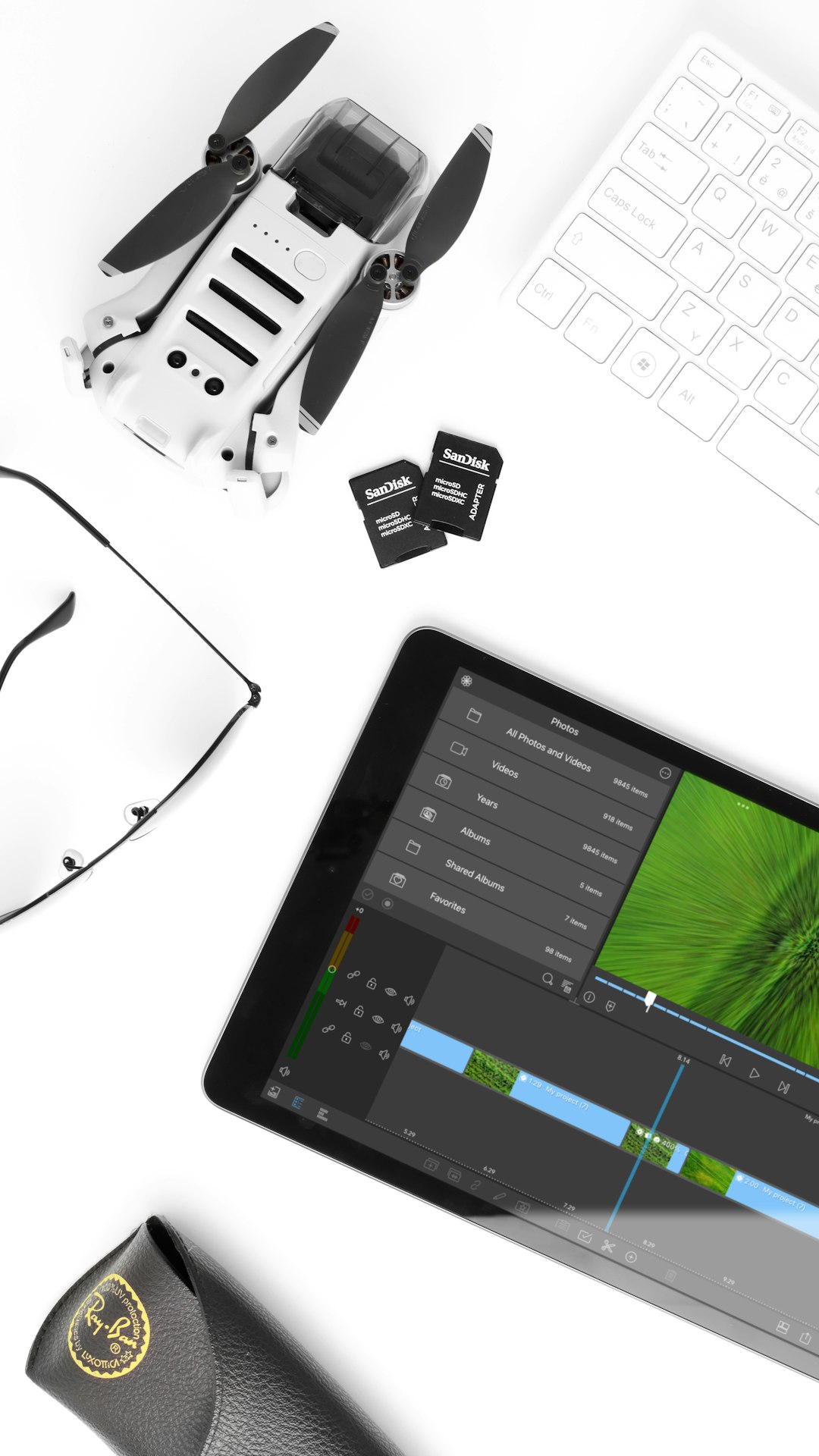
LumaFusion is often referred to as the gold standard in mobile video editing. Though it comes with a price tag ($29.99 one-time payment), many Reddit creators assert it’s worth every penny — especially those migrating from Final Cut Pro or Adobe Premiere Pro.
Key Features:
- 6 video and 6 audio tracks for complex projects
- Color LUT support, keyframing, and chroma key
- Precise audio tools including mixing and ducking
- 4K video export and frame-by-frame editing
While its interface may be slightly more complex than other mobile apps, LumaFusion brings desktop-level control to mobile devices. It’s especially popular in subreddits like r/iPadPro and r/Filmmakers for mobile productivity aficionados.
Why Redditors Are Shifting from Desktop to Mobile
One main reason users cite for moving away from desktop editors is convenience. Many creators use mobile phones to shoot video already, so editing on the same device eliminates the need to transfer files. Additionally, most apps listed above have cloud-sync features for easy backup and recovery.
According to multiple Reddit threads, what mobile lacks in plugin extensibility, it makes up for in speed, accessibility, and platform-native features — particularly regarding TikTok trends, integrated music libraries, and vertical templates.
Final Thoughts
Choosing the right mobile editing app depends on your content goals and personal workflow. Whether you’re batch-producing daily content or crafting narrative-driven Reels, the five apps listed above represent some of the best available options — praised by Redditors who know what they’re doing. From quick trims to full-fledged storytelling, mobile software is proving that greatness no longer needs a desktop.
Frequently Asked Questions
- Q: Which app is best for beginners?
A: CapCut and InShot are very beginner-friendly and offer templates that require no editing experience. - Q: Do any of these apps remove watermarks for free?
A: Yes, VN (VlogNow) offers watermark-free exports without a subscription or one-time fee. - Q: Is it worth paying for the premium versions?
A: If you’re posting consistently, investing in a Pro version can save time and provide higher export quality and extra tools. - Q: Can these apps handle 4K videos?
A: Yes, apps like LumaFusion and VN support 4K export and complex editing formats. - Q: What’s the best app for syncing music to videos?
A: Splice and CapCut both have powerful tools for audio syncing, including beat detection and timeline markers.


Leave a Reply