
The high-performance CPU market has grown remarkably competitive in recent years, particularly in the gaming segment where every frame counts. Two of the flagship processors commanding attention in 2024 are the Ultra 9 285K and the Ryzen 7 9800X3D. With both chips boasting incredible specifications and targeting gaming enthusiasts and content creators alike, we dive […]
How to Fix “Motorola Your Device Does Not Qualify for Bootloader Unlocking” Error
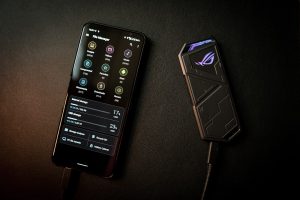
Unlocking your Motorola device’s bootloader can be the first step toward customizing your phone, installing custom ROMs, or rooting the device. However, many users run into a very frustrating roadblock: a message that reads, “Your device does not qualify for bootloader unlocking.” This usually appears when attempting to fetch the unlock key from Motorola’s official […]
How to Fix “Motorola Your Device Does Not Qualify for Bootloader Unlocking” Error

Motorola smartphones, like many Android devices, come with bootloaders that are locked by default to preserve security and maintain the integrity of the user experience. Unlocking the bootloader allows enthusiasts to customize their devices, install custom ROMs, recoveries, and more. However, many users attempting to unlock their Motorola device encounter the dreaded error: “Your device […]
RTX 4060 vs RTX 3080: performance and value

When considering a new graphics card for gaming or professional workloads in 2024, two names frequently come up in discussions: the NVIDIA GeForce RTX 4060 and the RTX 3080. These two GPUs, though separated by a generation and price tier, offer compelling advantages for different types of users. But which one provides better performance and […]
What is an APU? Accelerated Processing Unit explained
In the world of modern computing, devices are becoming faster, smaller, and more efficient. One of the key contributors to that progress has been the evolution and integration of processing units. You might have heard of CPUs (Central Processing Units) and GPUs (Graphics Processing Units), but there’s a third category that’s become increasingly relevant: the […]
Build a budget gaming PC (step-by-step)
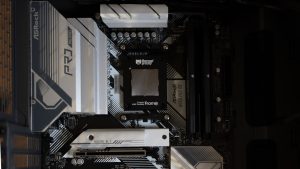
Building your own gaming PC is not only a rewarding experience but also a smart way to get the most bang for your buck. With a bit of research and careful planning, you can put together a budget gaming rig that plays modern games smoothly without draining your wallet. Whether you’re new to PC building […]