Choose a UK proxy by matching the proxy type to your task, then checking speed, city choice, IP freshness, and clear pricing. That is the short version. The UK is a big online market, with 66.33 million internet users reported in January 2024 [source: DataReportal]. So yes, British proxy servers are useful. But some are brilliant. Some are digital soggy chips.
TLDR: Pick a residential UK proxy for shopping, ads, account checks, and anything that must look like a real home user. Pick a datacenter UK proxy for speed, bulk tasks, and lower costs. For example, if your team checks 500 London search results per day, a rotating residential plan may cut blocks by 30% to 60% compared with cheap shared datacenter IPs. Always test first, even if the sales page sounds fancy.
What is a British proxy server?
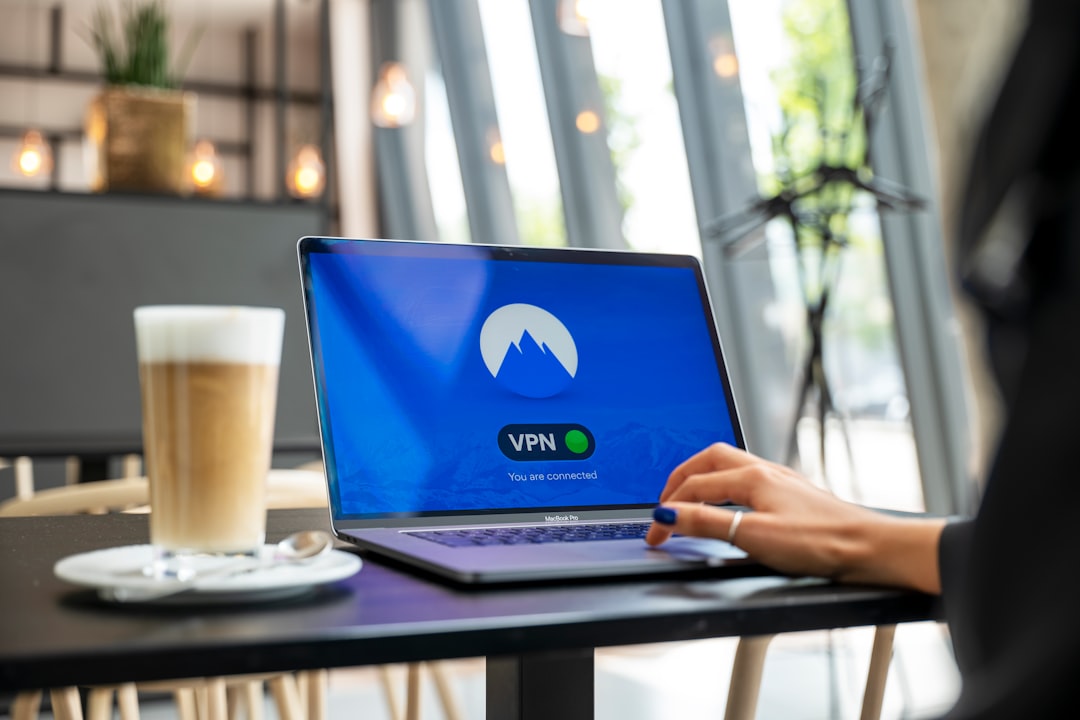
A British proxy server is a middle stop between you and a website. You connect to the proxy. The proxy connects to the site. The site sees the proxy’s UK IP address instead of yours.
Simple. Sneaky? Not always. Useful? Very.
It can make your traffic look like it comes from London, Manchester, Birmingham, Glasgow, or another UK location. That matters when sites show different prices, search results, ads, or content based on location.

Why use a UK proxy?
People use British proxy servers for many normal business tasks. Not shady stuff. Just boring web work that breaks when your IP looks wrong.
- SEO checks: See Google results as a UK user would see them.
- Ad testing: Check if UK ads appear in the right cities.
- Market research: Compare prices on UK retail sites.
- Web scraping: Collect public data with fewer blocks.
- Streaming tests: Check how content appears to UK viewers.
- Brand protection: Spot fake listings in UK marketplaces.
The catch is that bad proxies waste your time. A slow one can add 5 to 10 seconds to every page load. That sounds small. After 200 checks, you may want to throw your keyboard into the Thames.
Pick the right type of UK proxy
Not all proxies are the same. This is where many people mess up. They buy the cheapest plan, then wonder why everything gets blocked.
1. Residential UK proxies
These use IP addresses linked to real home internet providers. They look natural. They are great for tasks where trust matters.
Best for: sneaker sites, price checks, social media checks, ad checks, local testing, and scraping websites with tough filters.
Downside: They cost more. Speeds can vary. Some providers have messy dashboards that feel like they were built during a lunch break.
2. Datacenter UK proxies
These come from servers in data centers. They are fast. They are cheaper. They are easy to scale.
Best for: bulk scraping, SEO tools, uptime checks, and simple automation.
Downside: Websites spot them more easily. Many datacenter IP ranges are already flagged.
3. Mobile UK proxies
These use IPs from mobile networks. They are very trusted by many sites. They rotate often.
Best for: mobile app testing, social checks, and high-trust tasks.
Downside: They are pricey. Speeds can jump around like a squirrel on espresso.
Rotating or static?
A static proxy keeps the same IP. Use it when you need a stable identity. Login testing is a good example.
A rotating proxy changes the IP after a set time or each request. Use it when you need many requests without looking like one very tired robot.
For most scraping tasks, rotating UK residential proxies are the safer pick. For account access, use static or sticky sessions. A sticky session keeps the same IP for 5, 10, or 30 minutes.
Key things to check before buying
Do not buy a proxy just because the homepage says “premium.” Every proxy site says that. Of course it does.
- UK city targeting: Can you choose London, Leeds, Cardiff, Belfast, or Edinburgh?
- Speed: Test real page loads, not just ping.
- Uptime: Aim for 99% or better.
- IP pool size: Bigger pools mean less reuse.
- Rotation controls: You need timing options.
- Authentication: Username and password is easy. IP allowlisting is neat too.
- Support: Live chat can save your afternoon.
- Refund policy: Always check this before paying.
The UK has strict data rules under the UK GDPR system, so avoid providers that refuse to explain how they source IPs [source: ICO]. If the answer feels slippery, walk away.
How much should a UK proxy cost?
Prices vary a lot. Datacenter proxies may cost only a few pounds per IP each month. Residential proxies often charge by traffic, such as per GB. Mobile proxies can cost much more.
Here is a simple guide:
- Small SEO checks: Datacenter proxies may be enough.
- Retail price tracking: Residential proxies are safer.
- High-volume scraping: Mix datacenter and residential proxies.
- App testing: Use mobile UK proxies.
Honestly, it feels like some providers hide the real cost until checkout. Watch for bandwidth limits, thread limits, setup fees, and “premium location” charges. Those little extras bite.
Shared proxies are used by several people. They are cheap. They can also be noisy. If another user abuses the same IP, you may inherit the block.
Private proxies are safer and cleaner. Only you use them, or at least the usage is tightly limited.
Dedicated proxies are best when consistency matters. Use them for logins, monitoring, and long-term projects.
If your task makes money, do not cheap out too hard. A £10 saving can turn into three hours of fixing blocked requests. Nobody enjoys that spreadsheet.
How to test a UK proxy
Run a small test before you commit. A good provider will allow a trial or a small starter plan.
- Check the IP location with an IP lookup tool.
- Open 10 UK websites.
- Measure load time.
- Try your real task, not a fake one.
- Track block rate over at least 100 requests.
- Test at different hours.
If 25 out of 100 requests fail, that is bad. If 2 or 3 fail, that may be fine. It depends on your job.

Red flags to avoid
- No company details: Risky.
- No refund policy: Also risky.
- Unlimited everything: Usually nonsense.
- No support replies: Run.
- Very cheap residential IPs: Ask how they get them.
Also avoid free UK proxies for serious work. They are slow. They are crowded. Some may log traffic. Free is nice for biscuits in the office kitchen. Not for proxy infrastructure.
Best setup for most users
For many teams, the best setup is simple:
- Use rotating residential UK proxies for blocked or sensitive sites.
- Use datacenter UK proxies for high-speed, low-risk jobs.
- Use sticky sessions when logging in.
- Use city targeting when checking local ads or search results.
This mix keeps costs sane. It also reduces failure rates. You do not need the fanciest plan. You need the right fit.
Final choice checklist
Before you buy, ask five quick questions.
- Do I need a real home-user IP?
- Do I need one UK city or any UK location?
- How many requests will I send each day?
- Can I test before buying a big plan?
- Will support help when things break?
A good British proxy server should feel boring. That is the goal. It connects. It loads. It works. No drama. No mystery errors at 4:57 p.m. on a Friday.
Choose based on your task, not hype. Start small. Test with real sites. Then scale once the numbers look good. Your future self will thank you, probably while drinking tea.