Figma is the best all-around wireframing tool with integrations, Miro is best for early workshops, Balsamiq is best for quick low-fidelity sketches, and UXPin is best when prototypes need to behave like real products. If your team wants one platform for wireframes, feedback, handoff, and connected workflows, start with Figma. If your wireframes begin as messy product talks with stakeholders, start in Miro and move to Figma or UXPin later.
TLDR: Choose Figma for most product teams because it balances speed, collaboration, plugins, and handoff. Choose Miro when discovery work matters more than polished screens; for example, a 6-person SaaS team can map 40 user flows in one workshop before turning 10 of them into wireframes. Pick Balsamiq if you want stakeholders to focus on structure, not colors. Pick UXPin if your prototype needs logic, states, variables, or production components.
Quick comparison
- Best overall: Figma
- Best for brainstorming and workshops: Miro
- Best for low-fidelity wireframes: Balsamiq
- Best for realistic interactive prototypes: UXPin
- Best integrations for product teams: Figma and Miro
- Best integrations for engineering-heavy teams: UXPin

Figma: the safest pick for modern product teams
Figma wins because it covers the full path from rough wireframes to polished user interfaces. You can sketch simple layouts, add components, gather comments, test flows, and hand designs to developers without jumping between five apps. That sounds basic, but it saves real time.
Its integration library is a major reason it works so well. Figma connects with Slack, Microsoft Teams, Jira, Asana, Notion, Confluence, Maze, Zeplin, Storybook, and many more. Teams can attach Figma files to Jira tickets, get comment alerts in Slack, embed designs in docs, and run user tests without rebuilding screens elsewhere.
Figma’s biggest strength is its shared workspace. Designers, product managers, engineers, and clients can all comment in the same file. No more “final final v7” files hiding in someone’s downloads folder. FigJam also gives teams a whiteboard space for early ideas, journey maps, and rough flows.
The catch is that Figma can make low-fidelity work feel too polished too soon. Stakeholders may start arguing about shadows and colors when the team should still be arguing about structure. It also gets heavy when files are packed with large images, complex components, and years of old pages. Expect a few seconds of lag in bloated files, especially on weaker machines.
Best for: product teams, startups, agencies, design systems, remote teams, and anyone who needs strong collaboration plus broad integrations.
Miro: best for wireframing before the wireframe
Miro is not a pure wireframing tool, and that is exactly why many teams love it. It shines before the design file exists. Use it for customer journey maps, user flows, feature prioritization, workshop boards, sticky notes, service maps, and quick layout sketches.
Miro integrates with Jira, Confluence, Azure DevOps, Asana, Google Workspace, Microsoft Teams, Slack, Zoom, and Figma. This makes it useful for teams that plan work across product, design, engineering, sales, and customer success. You can turn sticky notes into Jira issues, embed boards into Confluence, and run remote sessions inside video calls.
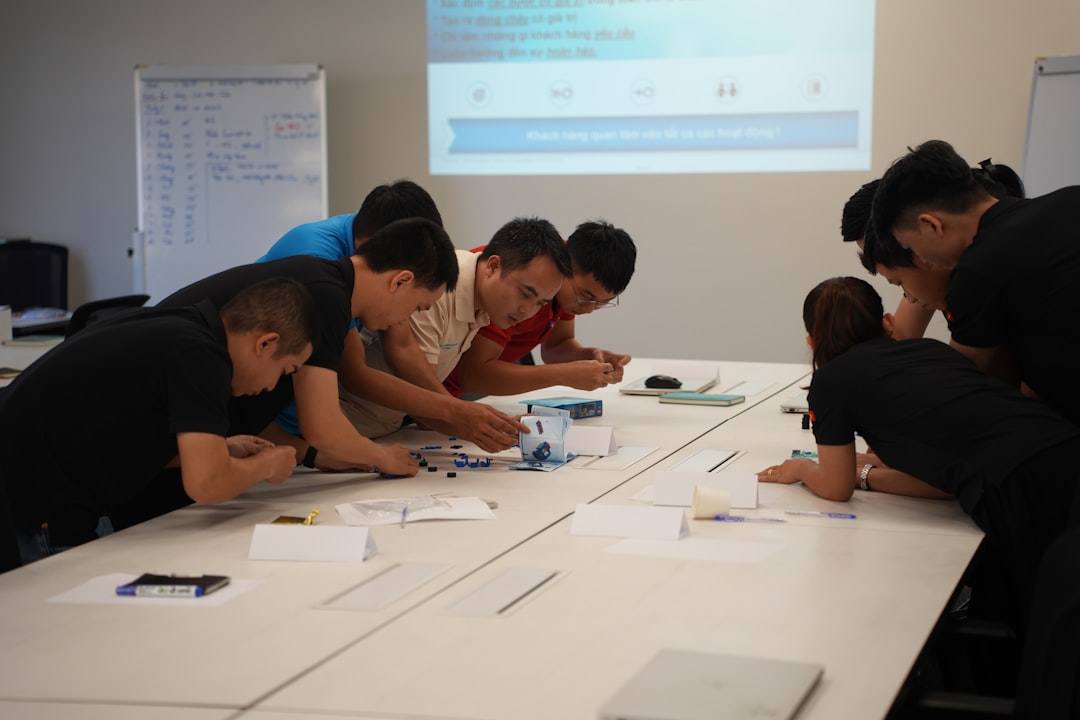
Miro’s wireframing templates are good enough for early layout thinking. You can drag in buttons, cards, tables, menus, and mobile frames. It is fast when the goal is alignment. It is less ideal when you need pixel-level spacing, reusable components, or detailed interaction states.
Honestly, it feels like Miro encourages sprawl. A board can start as a clean planning space and become a giant museum of sticky notes, arrows, screenshots, and half-finished flows. Finding the latest decision can take longer than it should unless someone keeps the board tidy.
Best for: discovery workshops, remote planning, product strategy, early user flows, stakeholder sessions, and teams that need shared thinking before screen design.
Balsamiq: best when rough is the point
Balsamiq is built for low-fidelity wireframes. Its sketchy visual style is not a gimmick. It helps people stay focused on layout, content, and task flow. That is useful when feedback keeps drifting into branding, gradients, icons, and other details that do not matter yet.
Balsamiq is quick to learn. Non-designers can use it without fear. Product managers, founders, business analysts, and clients can sketch ideas in minutes. The tool includes common UI controls such as buttons, tabs, forms, menus, dialogs, tables, and mobile elements.
Its integrations are narrower than Figma or Miro, but still useful. Balsamiq works well with Confluence and Jira through its Atlassian apps. That is a strong fit for teams already living in Atlassian. It also supports cloud sharing, comments, exports, and project links.
The weak spot is obvious: Balsamiq is not made for rich prototypes or advanced collaboration. You can link screens together, but the result is basic. If you need hover states, variables, responsive layouts, or design system components, you will hit the ceiling quickly. Still, that ceiling is part of the appeal. Balsamiq keeps wireframing simple on purpose.
Best for: early concepts, internal tools, product specs, client approvals, non-designers, and teams that want rough feedback before visual design begins.
UXPin: best for prototypes that act real
UXPin is the strongest option when wireframes need richer behavior. It supports interactions, states, variables, conditional logic, forms, expressions, and advanced prototypes. That makes it useful for complex apps where a static clickable mockup is not enough.
Its standout feature is UXPin Merge, which lets teams design with production-ready components from repositories or Storybook. This is a big deal for companies with mature design systems. Designers can use the same components engineers use, which cuts down on mismatched specs and impossible designs.
UXPin integrates with tools such as Storybook, Git repositories, Jira, Slack, and npm-based component libraries. The exact setup can take work, especially for Merge. Once connected, though, it gives design and engineering teams a much tighter loop.

UXPin is not as instantly friendly as Balsamiq or as common as Figma. New users may need more time to feel fast. The interface is capable, but heavier. If your team only needs simple landing page wireframes, UXPin may feel like bringing a toolbox to hang one picture.
Best for: enterprise products, complex workflows, design systems, engineering-led teams, forms, dashboards, and realistic prototypes with logic.
Which tool has the best integrations?
Figma has the broadest integration appeal for day-to-day design work. Its plugin ecosystem is huge, and it fits neatly into product workflows. If a team uses Slack, Jira, Notion, Maze, or Storybook, Figma feels natural.
Miro has the best integrations for planning and collaboration outside the design team. It connects well with project management, docs, video calls, and agile tools. If workshops matter, Miro is hard to beat.
Balsamiq is more focused. Its Atlassian support is practical, especially for teams writing specs in Confluence or tracking delivery in Jira. But it is not an integration powerhouse.
UXPin is strongest when integrations go deeper into engineering. Storybook, Git, and component libraries make it valuable for teams that care about reusable production components.
How to choose
- Choose Figma if you need one main tool for wireframes, UI design, comments, prototypes, and handoff.
- Choose Miro if your team starts with workshops, user flows, sticky notes, and messy product decisions.
- Choose Balsamiq if speed and low-fidelity clarity matter more than visual polish.
- Choose UXPin if your product has complex interactions or a serious design system tied to code.
For most teams, the best setup is not one tool forever. A practical workflow is Miro for discovery, Figma for wireframes and UI, and UXPin when prototypes need realistic logic. Balsamiq fits nicely when you need quick rough concepts without design distractions. Pick the tool that matches the decision you need to make next, not the one with the longest feature list.