3D printing has come a long way in a short time. What used to cost thousands of dollars is now affordable enough to sit on your desk at home. If you’re curious about 3D printing but don’t want to break the bank, you’re in luck. We’ve found some awesome machines that cost less than $200!
TL;DR: You don’t have to spend a fortune to start 3D printing. There are a handful of amazing printers under $200 that are perfect for beginners and hobbyists. Features vary, but all these options offer great print quality, easy setup, and strong community support. Whether you’re making toys, tools, or just learning, there’s something here for you.
What to Expect from 3D Printers Under $200
Let’s be clear. These aren’t industrial machines. But they’re amazing for learning. You can create all sorts of things like models, tools, cosplay parts, and even replacement pieces for broken gadgets. Just remember:
- They may need some assembly
- Smaller print areas
- Plastic materials only (usually PLA or TPU)
- Manual calibration from time to time
Don’t worry, though. They’re fun and very capable. Let’s dive into the best ones!
1. Creality Ender 2 Pro
Price: Around $169
Build Volume: 165 x 165 x 180 mm
Best for: Beginners and makers on the move
This little printer packs a punch. It’s light, portable, and arrives half-assembled. You can be up and running in under 30 minutes!
Highlights:
- Sturdy metal frame
- Quiet operation
- Magnetic flexible bed – so easy to remove prints!
- Supports PLA and TPU
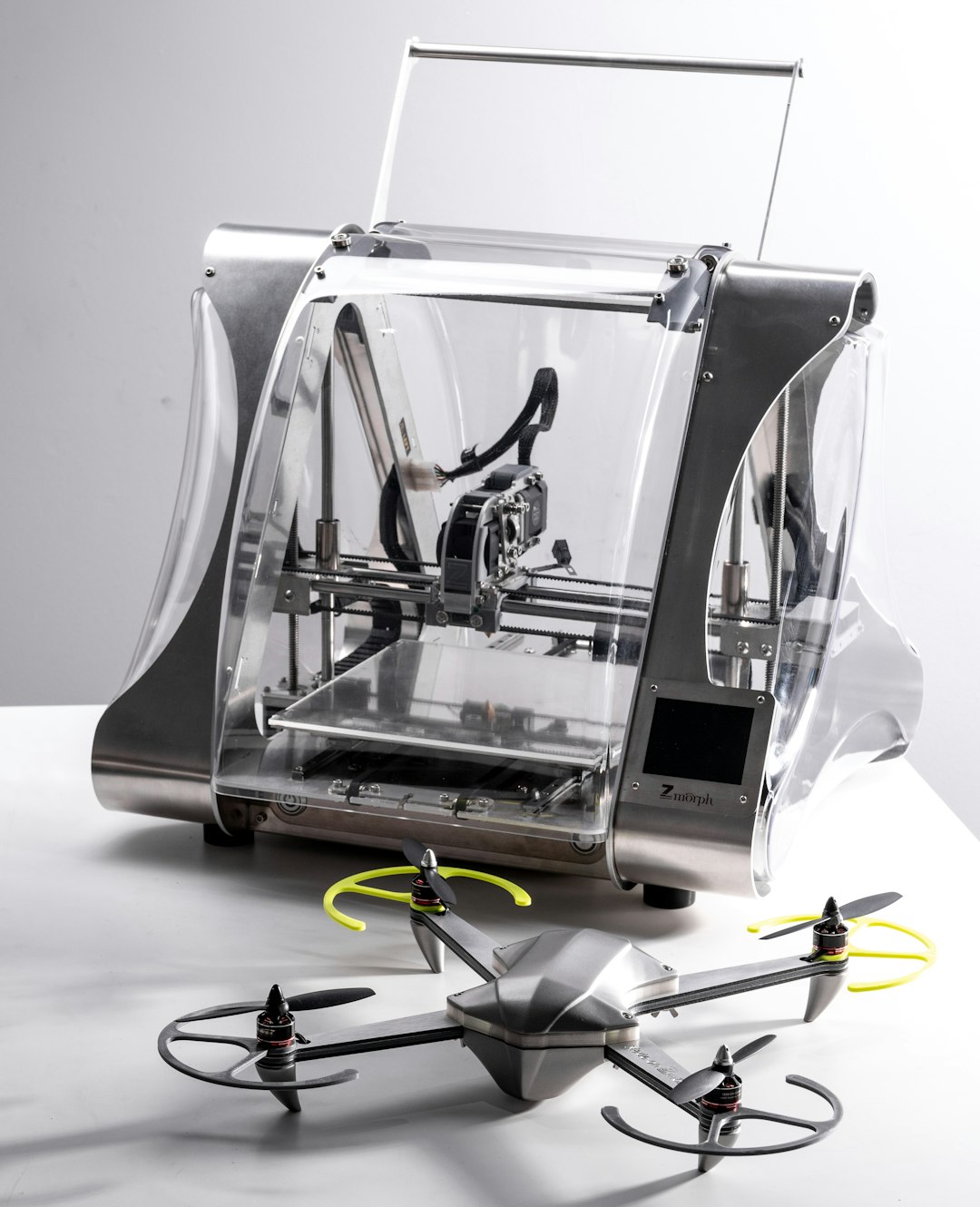
One cool feature? A handle on top so you can carry it like a toolbox!
2. Anycubic Kobra Go
Price: Around $189
Build Volume: 220 x 220 x 250 mm
Best for: DIY enthusiasts and tinkerers
This printer gives you more room to work with, and quality that shocks people new to the space. It takes a little longer to set up than some others, but that’s part of the fun!
Highlights:
- Large build size for the price
- Spring steel magnetic bed
- Filament runout sensor – saves your print if you run low
- Open-source firmware
If you like to tweak and upgrade, this one’s your best friend.
3. Voxelab Aquila
Price: Around $159
Build Volume: 220 x 220 x 250 mm
Best for: Beginners who want a modern look
The Aquila is sleek, solid, and very beginner-friendly. It’s like the budget cousin of the Ender 3, and it does a fantastic job. Plus, it’s quiet enough to use at night.
Highlights:
- Fast heating bed
- Quiet stepper drivers
- Easy to upgrade and modify
- Great print quality out of the box
Just make sure to level the bed properly. Once that’s done, it’s smooth sailing!
4. Kingroon KP3S
Price: Around $180
Build Volume: 180 x 180 x 180 mm
Best for: Small workspaces and beginners
This compact printer is perfect for smaller tables or apartments. It even uses linear rails, something you usually only find in premium printers.
Highlights:
- Excellent stability with rails and solid frame
- Pre-assembled (just plug and play)
- Supports PETG and TPU, not just PLA
- One of the quietest printers under $200
If you’re short on space or just want a machine that “just works,” this is a winner.
5. Weedo Tina2
Price: Around $145
Build Volume: 100 x 105 x 100 mm
Best for: Kids and total beginners
This is hands-down the easiest 3D printer to start with. It comes fully assembled and even has built-in Wi-Fi printing. The platform is small, but if you just want to learn, it’s a great start.
Highlights:
- Auto bed leveling
- Preloaded SD card with models
- Super compact and cute design
- Wi-Fi and USB connectivity
What Can You Print?
So much! These aren’t just for novelty toys — though those are fun too.
- Phone stands
- Keychains
- Bag clips
- Mini tools and jigs
- Game pieces and terrain
- Custom parts for your hobbies
The only limit? Your imagination (and maybe the size of the printer).
Heads Up: What to Buy Besides the Printer
Your 3D printer needs friends. Here are a few must-haves:
- PLA filament – about $20 for 1kg
- Scraper tool – for removing prints
- Painter’s tape or glue stick – helps prints stick to the bed
- Needle or pin – for cleaning the nozzle
You DON’T need to buy it all at once. Just start with the basics and go from there.
Final Thoughts
Getting into 3D printing has never been easier — or cheaper. With just $200 (or less), you can get a great machine that opens the door to an exciting hobby. Whether you want to create little gadgets, artsy pieces, or just enjoy the hum of a printer doing its thing, there’s a perfect first step waiting for you.
They might be small and simple, but these printers are mighty. Printing your ideas into reality? That’s just plain cool.
Happy printing!

Leave a Reply