The Acer Chromebook Spin 11 has steadily gained traction in the education and budget tech markets, offering a compact size, durable design, and a hybrid form factor at an accessible price point. As users share their experiences, both the strengths and shortcomings of this Chromebook have become apparent. Whether you’re a student, teacher, or budget-conscious professional, understanding what users think can help inform your purchase decision.
- TLDR: What Users Are Saying About the Acer Chromebook Spin 11
- Overview of the Acer Chromebook Spin 11
- User Impressions: What People Love
- Limitations and Common Criticisms
- Popular Use Cases for the Acer Chromebook Spin 11
- Battery Life and Portability
- Conclusion: Is It Worth It?
- FAQ: Acer Chromebook Spin 11
TLDR: What Users Are Saying About the Acer Chromebook Spin 11
Users generally appreciate the Acer Chromebook Spin 11 for its robust build, versatile design, and reliable performance for daily tasks. Educators highlight its suitability for school settings, thanks to its durable chassis and support for Android apps. However, some users mention slower performance for multitasking and limitations in high-demand usage scenarios. Overall, it’s regarded as a great value laptop for light to moderate use.
Overview of the Acer Chromebook Spin 11
The Acer Chromebook Spin 11 is a budget-friendly convertible laptop equipped with an 11.6-inch touchscreen, Intel Celeron processor, and Chrome OS. Designed with practicality in mind, its 360-degree hinge allows it to function as both a laptop and a tablet, aiming to merge productivity with flexibility.
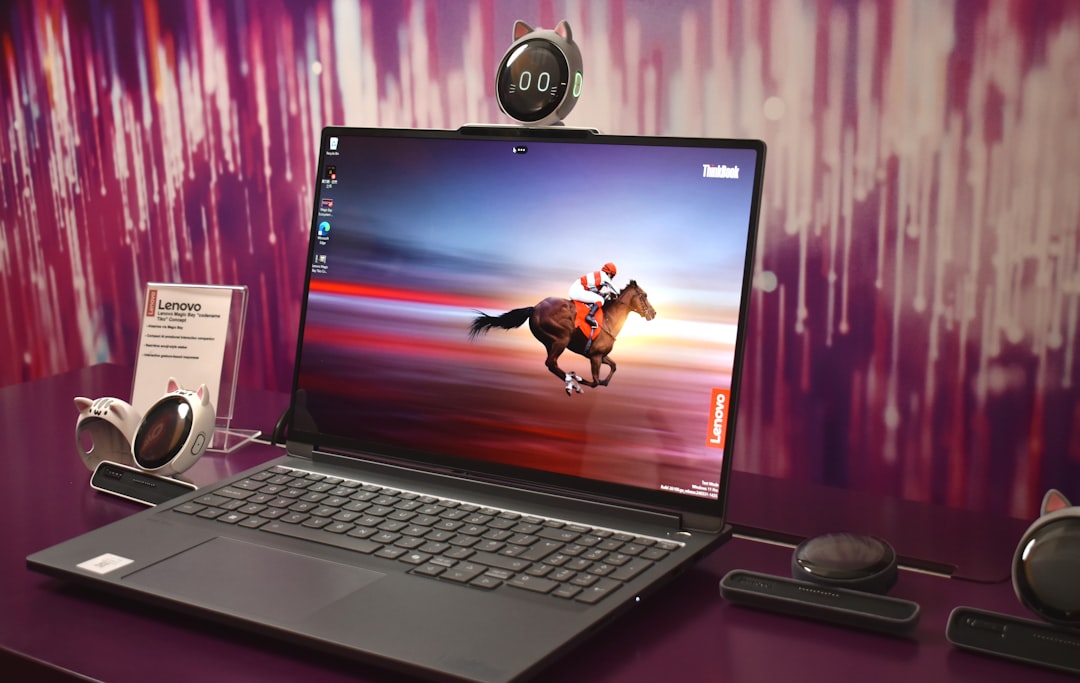
Available in multiple variants, the Chromebook Spin 11 models often come with 4GB of RAM and 32GB of eMMC storage—sufficient for basic tasks like web browsing, video streaming, document editing, and running Android apps from the Google Play Store.
User Impressions: What People Love
- Build Quality and Durability: One of the most praised features is its rugged design. Many users—particularly teachers and parents—say the Chromebook Spin 11 holds up well against drops, bumps, and the day-to-day abuse of school life. The rubberized edges and anti-slip texture add to its sturdy persona.
- Touchscreen and Stylus Functionality: Thanks to its responsive touchscreen and included Wacom EMR stylus (in some models), users enjoy a smooth drawing and note-taking experience. Creatives and students alike appreciate having a handwriting or sketching tool available at all times.
- Ease of Use: Chrome OS remains a highlight for its simplicity and speed. Numerous buyers commend how easy it is to set up the Chromebook Spin 11, even for children or tech novices. Automatic software updates and built-in virus protection provide peace of mind.
One user shared, “This Chromebook was a game-changer for my classroom. It’s durable enough for kids to use without constant supervision and simple enough for them to learn quickly.”
Limitations and Common Criticisms
Not everything about the Chromebook Spin 11 is met with glowing praise. While most concerns are reasonable given the device’s price point, users do express frustration in a few key areas:
- Performance Under Load: Several users report that the Intel Celeron processor and 4GB RAM configuration begins to lag when too many browser tabs are open or when switching between multiple heavy apps. It’s not suited for multitasking professionals or gamers.
- Screen Quality: Although the touchscreen is praised for responsiveness, the resolution and brightness sometimes fall short. According to some users, the 1366 x 768 resolution looks “a bit grainy,” especially when streaming HD videos or working on detailed visuals.
- Limited Storage: With just 32GB of internal storage, users quickly feel the pinch—especially when offline downloads of apps, videos, or music start adding up. While there’s cloud storage available, users still wish for more built-in space.
As one long-term user summarized: “It’s perfect for my daughter’s schoolwork and Zoom meetings, but don’t expect to edit videos or run multiple apps at once without some lag.”
Popular Use Cases for the Acer Chromebook Spin 11
From reviews across major platforms like Amazon, Best Buy, and Reddit tech communities, three user groups emerge as the Chromebook Spin 11’s primary fans:
- Students: With its durable build and accessible apps via Google for Education, students at all education levels find the Spin 11 ideal for note-taking, generating reports, and quick research.
- Teachers: Many educators favor it for managing classroom assignments, virtual meetings, and even using it as a portable document reader during lectures.
- Parents and Casual Users: Families use it for web browsing, watching YouTube, or helping kids complete homework. Its simplicity and security make it a worry-free choice.

Battery Life and Portability
One of the recurring themes in reviews is excellent battery life. Users report between 9 to 11 hours on a full charge—enough for a full school or workday. Coupled with its lightweight design (under 3 pounds), portability is a big win.
“I throw it in my backpack every day, and the charge keeps me going until I get home,” wrote one high school student. This makes the Chromebook Spin 11 particularly attractive as a travel companion or for working outside traditional desk spaces.
Conclusion: Is It Worth It?
The consensus from most users is clear: the Acer Chromebook Spin 11 is a solid investment for light use, education-focused tasks, and anyone needing a durable 2-in-1 on a budget. It’s not going to replace a high-end laptop, but for its price tag, it punches well above its weight.
The combination of ease of use, versatile form factor, and rugged construction makes it one of the top choices in the entry-level Chromebook category. Buyers who understand its limitations find it more than adequate—and in many cases, outstanding value.
FAQ: Acer Chromebook Spin 11
- Q: Can the Chromebook Spin 11 run Microsoft Office apps?
A: Yes, Microsoft Office apps like Word, Excel, and PowerPoint can be downloaded from the Google Play Store. However, they require an active Microsoft 365 subscription for full features. - Q: Is the stylus included with the device?
A: Some models include a Wacom EMR stylus, while others don’t. Be sure to check the product listing or box contents before purchasing. - Q: Does it support Linux apps?
A: Yes, via the Linux (Beta) feature in Chrome OS, developers and power users can install and use Linux-based applications. - Q: Can it be used for Zoom and video conferencing?
A: Absolutely. The Spin 11 has a front-facing webcam and is compatible with Zoom, Google Meet, and other video conference apps. Just manage your open apps to avoid lag. - Q: Is it good for kids?
A: Yes, many parents and teachers recommend it for kids due to its sturdy design, integrated educational tools, and parental control features built into Chrome OS.



Leave a Reply