Online meetings are no longer just about talking. They are about tracking deals. Managing tasks. Moving projects forward. The smartest teams connect their meeting tools with their CRM and project software. That way, nothing gets lost. No notes. No action items. No sales opportunities.
TLDR: The best online meeting tools do more than video calls. They connect with CRM systems like Salesforce and HubSpot, and project tools like Asana and Trello. Zoom, Microsoft Teams, Google Meet, and GoTo Meeting all offer powerful integrations. The right choice depends on your team size, budget, and workflow.
Let’s break down four popular online meeting tools that play nicely with your CRM and project management software. We will keep it simple. And fun.
Why CRM and Project Integration Matters
Imagine this.
You finish a sales call. The client says yes. Exciting, right? But now you must update the CRM. Then create a task in your project tool. Then notify your team. That is a lot of clicking.
Now imagine this instead.
The meeting ends. Notes are saved automatically. The CRM contact gets updated. A task is created. Your team is notified.
No extra steps.
That is the magic of integration.

Here is what good integrations can do:
- Auto-log meeting details in your CRM
- Sync contacts and leads instantly
- Create tasks and projects after calls
- Store recordings inside client records
- Improve team communication
Now let us look at the tools that make this happen.
1. Zoom
Zoom is huge. Almost everyone has used it.
But many people do not realize how powerful it becomes when connected to CRM and project tools.
Popular CRM Integrations:
- Salesforce
- HubSpot
- Zoho CRM
- Pipedrive
Popular Project Integrations:
- Asana
- Trello
- Monday.com
- ClickUp
With these integrations, Zoom can:
- Automatically log meetings in CRM records
- Attach recordings to deals
- Track meeting participants
- Create follow-up tasks
Sales teams love this. Project managers love it too.
Zoom also offers:
- Breakout rooms
- Webinars
- AI meeting summaries
- Calendar integrations
Best for: Growing businesses and remote teams that want flexibility.
Why it stands out: Massive integration marketplace. Easy to use. Reliable video quality.
2. Microsoft Teams
If your company uses Microsoft 365, this one is a no-brainer.
Microsoft Teams is more than a meeting tool. It is a full collaboration hub.
CRM Integrations:
- Dynamics 365
- Salesforce
- HubSpot
Project Integrations:
- Microsoft Planner
- Project for the web
- Asana
- Trello
Because Teams connects deeply with Microsoft products, you can:
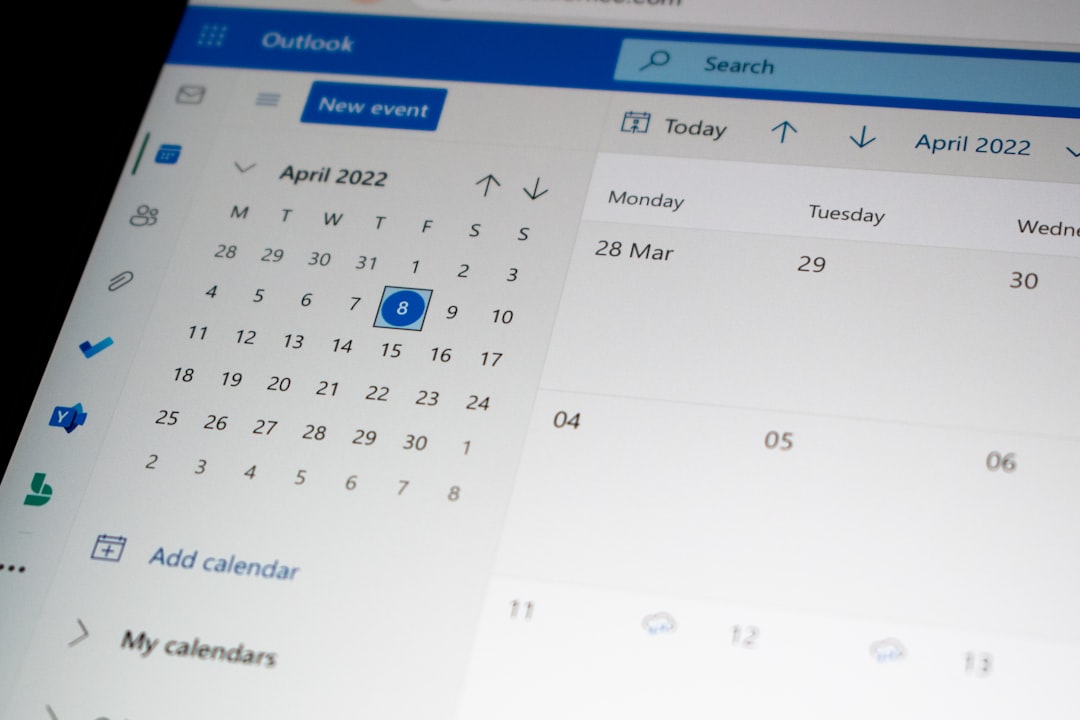
- Schedule meetings from Outlook
- Access CRM data during calls
- Collaborate on files live
- Turn chat messages into tasks
Everything lives in one ecosystem.
No switching between 10 apps.
Teams also includes:
- Persistent chat channels
- File sharing through OneDrive
- Integrated task tracking
- Enterprise-grade security
Best for: Medium to large companies already using Microsoft tools.
Why it stands out: Deep integration with Microsoft 365. Strong security. Excellent internal collaboration.
3. Google Meet
Simple. Clean. Fast.
Google Meet works beautifully inside the Google Workspace ecosystem.
If your team lives in Gmail, Google Calendar, and Google Drive, this tool feels natural.
CRM Integrations:
- HubSpot
- Salesforce
- Zoho CRM
- Copper (built for Google users)
Project Integrations:
- Asana
- Trello
- ClickUp
- Google Tasks
You can:
- Schedule meetings directly in Google Calendar
- Attach meeting notes in Google Docs
- Sync recordings to Drive
- Connect Zapier for custom automations
The interface is minimal. That is a good thing.
Less clutter. More focus.
Google Meet now offers AI summaries and live captions too.
Best for: Small to medium teams using Google Workspace.
Why it stands out: Easy setup. Clean interface. Smart automation options.
4. GoTo Meeting
GoTo Meeting may not be as flashy. But it is solid.
It has been around for years. And it focuses heavily on business users.
CRM Integrations:
- Salesforce
- Zoho CRM
- HubSpot (via connectors)
Project Integrations:
- Basecamp
- Trello
- Asana
- Various tools via Zapier
Key features include:
- Automatic meeting transcription
- Cloud recording
- Detailed analytics
- Admin controls for compliance

This makes it great for regulated industries.
Finance teams. Healthcare providers. Corporate environments.
Best for: Companies that value security and structure.
Why it stands out: Stability. Compliance features. Strong admin controls.
Quick Comparison Chart
| Tool | Best For | CRM Integration | Project Integration | Ease of Use |
|---|---|---|---|---|
| Zoom | Growing remote teams | Salesforce, HubSpot, Zoho, Pipedrive | Asana, Trello, Monday, ClickUp | Very Easy |
| Microsoft Teams | Microsoft-based companies | Dynamics, Salesforce, HubSpot | Planner, Project, Asana, Trello | Moderate |
| Google Meet | Google Workspace users | HubSpot, Salesforce, Zoho, Copper | Asana, Trello, ClickUp | Very Easy |
| GoTo Meeting | Corporate environments | Salesforce, Zoho, HubSpot | Trello, Asana, Basecamp | Easy |
How to Choose the Right Tool
Not sure which one to pick?
Ask yourself these simple questions:
- What ecosystem do we already use?
- Do we need deep CRM integration or basic syncing?
- Is security a top concern?
- How large is our team?
- Do we host webinars or just internal calls?
If you love Google apps, choose Google Meet.
If you are deep in Microsoft, choose Teams.
If you want flexibility, go with Zoom.
If you need structure and compliance, consider GoTo Meeting.
There is no one-size-fits-all.
Pro Tips for Better Integration
Want to get even more value?
- Use automation tools like Zapier or Make
- Create templates for follow-up tasks
- Standardize meeting notes
- Train your team on workflows
- Review integration settings monthly
Small tweaks can save hours every week.
And hours saved mean more time selling. Or building. Or leading.
The Bottom Line
Meetings should move work forward.
Not create more admin.
When your online meeting tool connects with your CRM and project software, everything changes.
Information flows automatically.
Teams stay aligned.
Customers feel remembered.
Deadlines get hit.
That is the power of integration.
So do not just pick a meeting tool because it has good video quality.
Pick one that fits into your workflow.
Because in today’s fast-moving world, connected tools win.
And the right integration might just become your team’s secret weapon.



Leave a Reply