Video editing can be a demanding task for most computers, but if you’re working with an older device or a low-resource system, finding the right lightweight video editing software becomes essential. Fortunately, Reddit users—known for their brutally honest reviews and shared tech wisdom—have surfaced several capable tools that don’t hog CPU cycles or overwhelm dated machines. Whether you’re slicing clips for YouTube, creating memes, or just stitching together family vacation footage, there’s likely a tool out there that balances performance with usability.
TL;DR
If you’re working on an older computer and looking for lightweight video editors, Reddit users frequently recommend four standout options: Shotcut, Avidemux, OpenShot, and Kdenlive. These tools are free, relatively light on system resources, and offer a surprising variety of features suitable for casual and hobbyist video editing. Each has its strengths and trade-offs depending on your specific needs and operating system. Read on to find the best match for your editing workflow!
1. Shotcut – The Balanced Performer
One of the top suggestions in threads like r/VideoEditing and r/Linux, Shotcut is popular thanks to its open-source nature and remarkably broad compatibility. Shotcut runs on Windows, macOS, and Linux and is known for its intuitive user interface and non-linear editing capabilities.
What makes Shotcut ideal for older devices is the ability to turn off GPU effects and reduce preview resolution. This greatly minimizes the strain on the CPU and RAM, making it ideal for systems as old as early 2010s laptops.
- Footage Support: Wide format support thanks to FFmpeg integration
- Common Uses: YouTube videos, home movies, tutorials
- Best Feature: Real-time preview scaling and proxy editing
- Reddit Highlights: Users love the customizable panels and broad format handling
2. Avidemux – Your Quick-and-Simple Go-To
If your editing needs are more straightforward—think cropping, cutting, and encoding—Avidemux is a lightweight gem praised by low-spec users across various Reddit communities. It doesn’t offer the bells and whistles of timeline editing or transitions, but what it lacks in complexity, it makes up for in speed and stability.
It’s not a full-fledged editor, but for batch processing and simple edits, Avidemux runs impressively fast, even on outdated Pentium-based systems. It’s available for Windows, Linux, and macOS.
- Footage Support: MP4, AVI, MPEG, and many more
- Common Uses: Trimming clips, adding hardcoded subtitles, format conversion
- Best Feature: Its minimalistic approach and rapid load times
- Reddit Highlights: Frequently cited in r/techsupport and r/VFIO for fast edits
Redditors describe Avidemux as “primitive but perfect” when it comes to trimming and cleaning up videos without fuss. It’s probably the fastest tool on this list in terms of startup and execution time.
3. OpenShot – User-Friendly with Essential Features
OpenShot is another free, open-source video editor that garners frequent recommendations for both beginner-friendly design and modest system requirements. Though it can sometimes be a bit laggy on particularly old setups, turning off live previews significantly improves performance on machines with limited RAM and older GPUs.
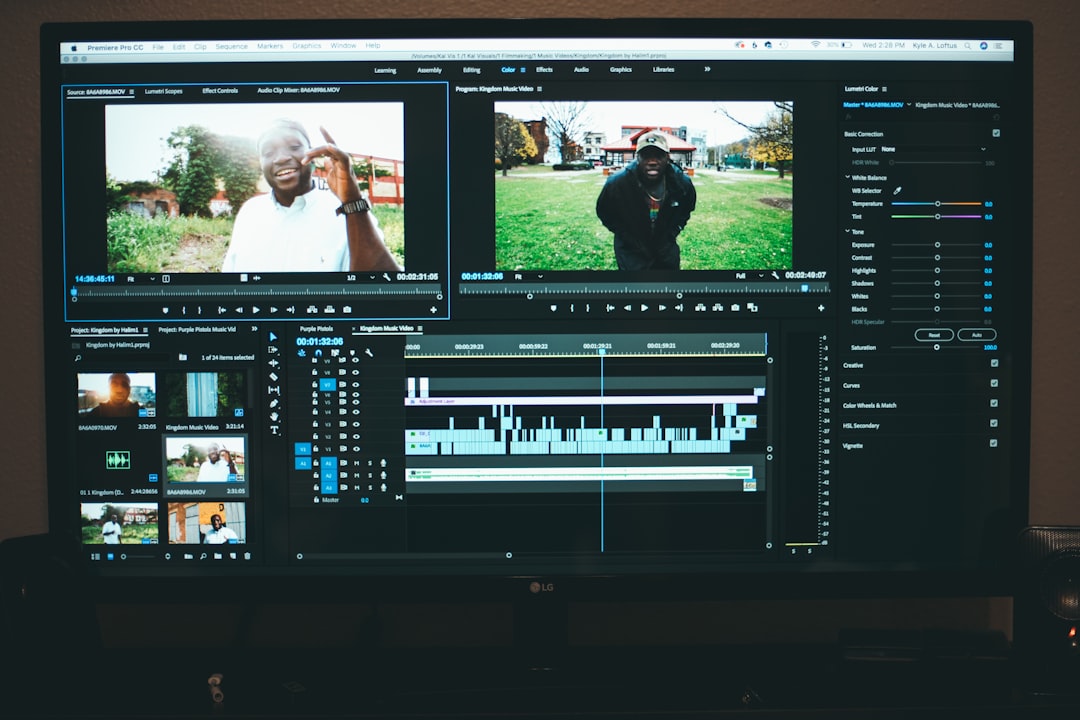
It supports drag-and-drop functionality, keyframe animation, and multiple tracks in a layered timeline format. While the interface can feel a touch sluggish on very old machines, users on Reddit suggest that it’s a great middle-ground between too-simple tools like Avidemux and more advanced (but heavier) options.
- Footage Support: Integrates more formats than many other free editors
- Common Uses: Social media videos, educational content, personal projects
- Best Feature: Flexible transition controls and title templates
- Reddit Highlights: Recommended heavily in r/VideoEditing for beginners making YouTube content
4. Kdenlive – Surprisingly Powerful for Its Size
Last but not least, Kdenlive is a professional-grade, open-source video editor often lauded for how efficiently it runs relative to the feature set it offers. Initially built for Linux, it’s now fully available on Windows and macOS as well.
Reddit users in r/linux and r/VideoEditing frequently recommend Kdenlive as a hidden gem for older systems. Its support for proxy editing—creating lower-resolution copies of your clips for faster editing—makes it feasible to edit HD or even 4K footage on systems that struggle with real-time previews.
- Footage Support: Fully integrated with FFmpeg, so practically any format works
- Common Uses: Short films, advanced YouTube edits, hobbyist productions
- Best Feature: Extensive keyboard customization and scripting potential
- Reddit Highlights: Users appreciate its mix of performance and pro-level timelines
Despite being the most robust tool on this list, its modular UI and scalable performance settings allow you to strip down the interface and keep CPU usage low. It’s not just good for slower machines—it grows with you as your editing skillset improves.
Final Thoughts: Which One Should You Use?
Reddit users are nothing if not opinionated, so the fact that these four editors repeatedly show up across subreddits means they’ve stood the test of real-world use. The final choice depends largely on your specific needs and the specs of your system:
- For the simplest tasks: Go with Avidemux.
- For balanced performance and control: Shotcut is your best bet.
- For beginners who want something friendly: Try OpenShot.
- For advanced users on older systems: Kdenlive won’t disappoint.
Before downloading, Reddit users also recommend checking out YouTube tutorials and user guides to maximize efficiency. Many issues like lag or crashes can often be resolved by tweaking preferences like preview resolution, proxy usage, or GPU acceleration settings.
Whether you’re on a thrifted old laptop, a ten-year-old desktop, or just trying to get the most out of minimal hardware, these tools offer legitimate pathways to effective video creation. Thanks to countless discussions across Reddit threads, you now have a roadmap to start editing without the need for a hardware upgrade.
Happy editing!



Leave a Reply