Short-form video has reshaped the way brands, creators, and marketers communicate online. While CapCut has become a popular editing solution thanks to its user-friendly interface and mobile-first design, many professionals and growing creators seek more flexibility, advanced features, or cross-platform control. From AI-powered editing tools to professional-grade timelines, there are numerous alternatives designed for social media clips, YouTube content, and marketing campaigns.
TLDR: There are several powerful alternatives to CapCut that better serve creators, marketers, and businesses looking for advanced editing capabilities. Platforms like Adobe Premiere Pro, Canva, DaVinci Resolve, InVideo, Filmora, and VEED.io offer unique strengths ranging from AI automation to professional color grading. The right choice depends on budget, skill level, collaboration needs, and output requirements. Exploring these options can dramatically improve video workflow and content quality.
Why Consider a CapCut Alternative?
CapCut excels in simplicity, but creators often outgrow its limitations. Some require advanced color grading, others need detailed audio mixing, and marketing teams frequently demand collaborative editing capabilities. Additionally, many businesses prefer tools that integrate directly with advertising platforms and brand asset libraries.
When choosing an alternative, professionals typically look for:
- Multi-platform compatibility (desktop and cloud-based access)
- Advanced effects and transitions
- AI-driven automation tools
- Team collaboration features
- High-quality export settings
1. Adobe Premiere Pro
Best for: Professional YouTubers, agencies, and advanced editors.
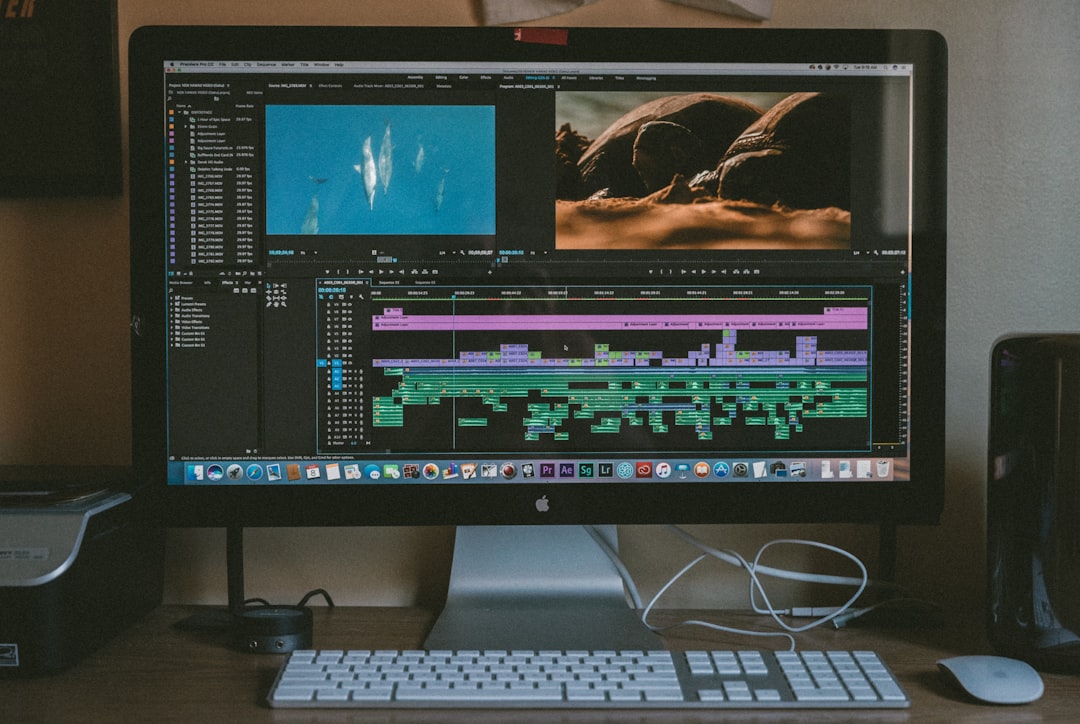
Adobe Premiere Pro is considered an industry standard in video production. It offers a fully customizable timeline, powerful audio editing tools, and seamless integration with other Adobe Creative Cloud apps such as After Effects and Photoshop.
Its AI-driven features, including Auto Reframe and Speech to Text, make it particularly valuable for marketers repurposing horizontal content into vertical formats for social media.
- Multi-camera editing
- Advanced color correction tools
- Cloud storage and collaboration
- Extensive plugin ecosystem
2. Canva Video Editor
Best for: Social media managers and beginners.
Canva has evolved far beyond static graphics. Its video editor provides drag-and-drop simplicity combined with thousands of customizable templates for Instagram Reels, TikTok, YouTube Shorts, and promotional ads.
Marketers appreciate Canva’s built-in brand kit, which ensures consistent fonts, colors, and logos across campaigns. While it does not offer complex editing options, it is ideal for producing professional-looking marketing videos quickly.
- Ready-made social media templates
- Stock library access
- Quick resizing for multiple platforms
- Team collaboration tools
3. DaVinci Resolve
Best for: Creators who need professional color grading and audio control.
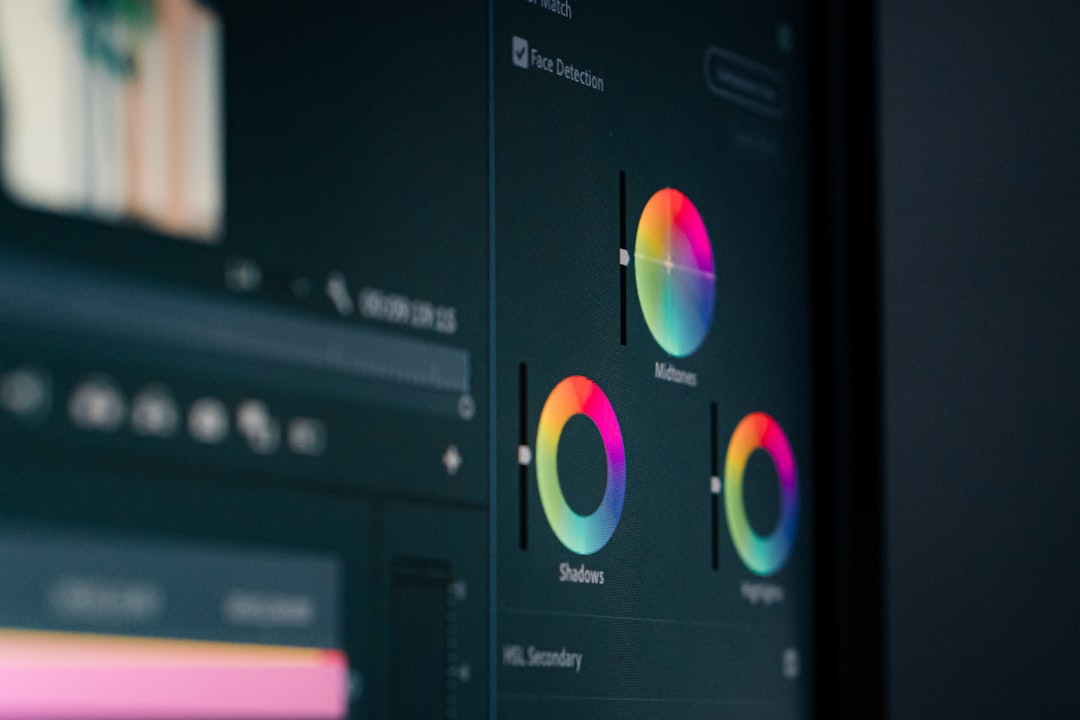
DaVinci Resolve stands out for its Hollywood-level color correction capabilities. Unlike many free platforms, it provides advanced node-based grading tools and professional audio post-production features.
For YouTube creators aiming for cinematic visuals or brands producing high-quality promotional campaigns, DaVinci Resolve offers tremendous value, especially considering its free version includes robust features.
- Industry-leading color grading
- Advanced audio editing suite
- Visual effects tools
- Free professional-grade version
4. InVideo
Best for: Marketing teams and content automation.
InVideo focuses heavily on AI-assisted content creation. It allows users to convert scripts into fully edited videos, making it highly effective for advertisements, explainer videos, and branded social posts.
Its intuitive workflow reduces editing time significantly, making it attractive for businesses producing video content at scale.
- AI text-to-video generation
- Prebuilt marketing templates
- Stock media integration
- Cloud-based editing
Best for: Intermediate creators seeking balance between ease and power.
Filmora strikes a strong balance between beginner-friendly design and advanced functionality. It offers motion tracking, keyframing, and a library of visual effects without overwhelming new users.
Social media influencers and small businesses often gravitate toward Filmora because it provides engaging transitions and built-in assets that elevate video aesthetics.
- Drag-and-drop functionality
- Built-in effects library
- Screen recording features
- Affordable pricing tiers
6. VEED.io
Best for: Quick online editing and subtitle automation.
VEED.io is a browser-based editor designed for efficiency. It shines in automatic subtitle generation, making it particularly valuable for platforms where silent viewing dominates, such as Facebook and Instagram.
Its clean interface allows users to trim, resize, and optimize videos for different social formats without downloading heavy desktop software.
- Auto subtitle generation
- Cloud accessibility
- Easy format conversion
- Quick export for social media
Comparison Chart
| Platform | Best For | Skill Level | Key Feature | Pricing Model |
|---|---|---|---|---|
| Adobe Premiere Pro | Professional production | Advanced | AI reframing and integrations | Subscription |
| Canva | Social media marketing | Beginner | Template library | Freemium |
| DaVinci Resolve | Cinematic content | Advanced | Professional color grading | Free and paid |
| InVideo | Marketing automation | Beginner to intermediate | AI text to video | Subscription |
| Filmora | Content creators | Intermediate | Built in visual effects | One time or subscription |
| VEED.io | Subtitle focused editing | Beginner | Automatic captions | Freemium |
How to Choose the Right Platform
Selecting the best CapCut alternative depends largely on specific content goals. A YouTuber producing long-form educational material may require precise timeline control and superior audio tools. In contrast, a marketing team running weekly ad campaigns may prioritize automation and speed.
Budget is another determining factor. Some platforms offer powerful free tiers, while others require ongoing subscriptions for advanced functionality. Teams should also evaluate cloud access, export quality, and integration capabilities before committing.
Frequently Asked Questions (FAQ)
1. Is there a free alternative to CapCut that offers professional features?
Yes, DaVinci Resolve provides a comprehensive free version with advanced color grading and editing tools suitable for professional work.
2. Which platform is best for social media marketing videos?
Canva and InVideo are particularly strong for marketing videos due to their templates, branding tools, and AI-assisted workflows.
3. What is the best CapCut alternative for YouTubers?
Adobe Premiere Pro and DaVinci Resolve are excellent choices for YouTubers who need detailed editing control and high production value.
4. Are browser-based editors reliable for professional use?
Browser-based editors like VEED.io can be highly effective for quick edits and subtitle generation, though complex projects may benefit from desktop software.
5. Which tool is easiest for beginners?
Canva and Filmora are both beginner-friendly, offering simple interfaces and helpful templates without steep learning curves.
6. Do these platforms support vertical video formats?
Yes, all listed platforms support vertical video exports optimized for TikTok, Instagram Reels, and YouTube Shorts.
Exploring alternative platforms empowers creators and businesses to refine their video strategy. By selecting a tool aligned with skill level, production needs, and marketing objectives, content creators can significantly elevate video quality and engagement across every platform.



Leave a Reply